
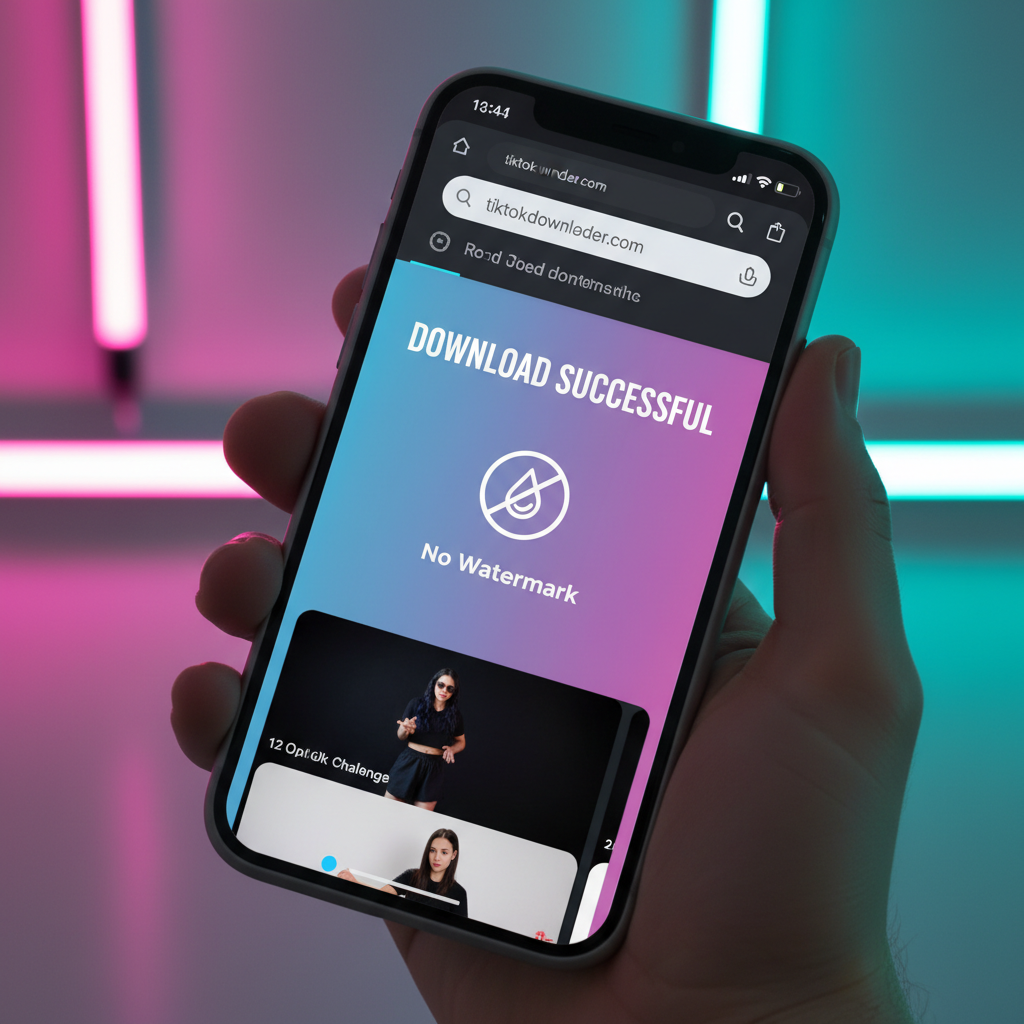
In 2026, storage management and digital privacy have become top priorities for smartphone users. Installing a dedicated application for every small task is no longer practical, especially when it comes to saving social media content. If you are looking for fast ways to download TikTok videos without app installation, you have likely realized that the official "Save Video" button often fails to meet professional needs due to the intrusive bouncing watermark.
Whether you are using an iPhone, Android, or a desktop PC, web-based solutions offer the most efficient path. They allow you to bypass the clutter of the App Store and Google Play while providing higher quality output.
1. Best TikTok Downloader Without App Installation
The most reliable method to save content in 2026 is using a high-performance web extractor. These tools function entirely within your mobile or desktop browser (Safari, Chrome, or Firefox), meaning they don't require system permissions or background data usage.
When you need to download TikTok videos without watermark, Savettok.org is a leading choice. It is FREE, FAST, and ONLINE, specifically engineered to handle the latest TikTok algorithm updates. By using a browser-based tool, you eliminate the risk of "ad-ware" often found in free downloader apps, ensuring your device remains secure and fast.
2. How to Save TikTok Videos to Camera Roll Without App
Saving a video to your iPhone or Android gallery doesn't require a specialized application. The process relies on the universal "Copy Link" feature found within the TikTok interface.
- Open TikTok: Navigate to the video you want to archive.
- Copy the Link: Tap the "Share" icon (the arrow) and select "Copy Link."
- Go to the Downloader: Open your browser and visit Savettok.org.
- Paste the Link: Long-press in the input field and paste the URL.
- Download: Tap the download button. The site will process the link and provide a "No Watermark" option.
For iOS users, the file will initially go to your Safari downloads. You can then tap the "Share" button on the file and select "Save Video" to move it directly to your Photos app.
3. High-Quality TikTok Video Downloader Online
Many users worry that avoiding an app installation means sacrificing video resolution. However, modern online extractors fetch the source file directly from the Content Delivery Network (CDN) used by TikTok.
A high-quality online tool will offer:
- Full HD Resolution: Capability to download in 1080p or 4K if the original uploader provided it.
- No Compression: Unlike screen recording, web downloaders don't compress the bitrate of the footage.
- Audio Integrity: The sound remains perfectly synced, which is crucial for music-heavy trends.
By using Savettok.org, you ensure that the video remains crisp and professional. Since it is FREE, FAST, and ONLINE, you get the same performance as a "Pro" desktop software without the subscription cost.
4. How to Download TikTok Without Watermark on Android Chrome
Android users have the benefit of a very open file system, making browser-based downloads incredibly smooth. Chrome on Android is particularly well-optimized for handling MP4 data streams.
- Copy the TikTok link from the app.
- Paste it into the search bar at Savettok.org.
- Choose the "No Watermark" format.
- The file will download directly into your "Downloads" folder, which is instantly accessible by Google Photos or your Gallery app.
This method is significantly faster than using an app because it avoids the "Initialization" and "Ad-loading" phases that most Play Store apps force you to sit through.
5. Safe Ways to Save TikTok Content Without Software
Security is the biggest "hidden" benefit of staying away from app installations. Many free apps in the social media utility niche are notorious for collecting user data, including your location, contacts, and browsing habits.
Web-based tools provide a layer of separation.
- No Permissions Needed: You don't have to grant access to your camera or microphone.
- No Account Required: You don't need to sign up with an email or connect your TikTok account.
- Sandbox Environment: Browsers keep the website's code contained, preventing it from accessing your system files.
Using Savettok.org follows this privacy-first approach. It remains FREE, FAST, and ONLINE, allowing you to download TikTok videos without watermark without leaving a digital footprint on your phone's operating system.
6. How to Extract Audio from TikTok Online Fast
Sometimes you don't need the entire video; you just need the sound. Whether it’s a viral remix or an inspirational quote, extracting the audio is a major use case for creators.
Most browser-based tools now include a "Download MP3" option. After pasting your link into the downloader, simply select the audio format instead of the video format. This is much faster than downloading a 50MB video and then using a secondary converter app to strip the sound. It saves time, data, and storage space.
7. Fast TikTok Downloader for PC and Mac Browsers
If you are a social media manager or a video editor, working on a desktop is essential. Browsers like Chrome, Edge, and Safari on a computer offer the fastest download speeds due to better hardware processing.
- Direct Link Management: You can have TikTok open in one tab and Savettok.org in another.
- Drag-and-Drop Workflow: Once the video is downloaded, you can drag it straight into Adobe Premiere, CapCut, or DaVinci Resolve.
- Batch Potential: Web tools allow you to open multiple tabs to process several links simultaneously, a feat that is clunky and slow on a mobile app.
8. Real Use-Case: Repurposing Content for Instagram Reels
The most common reason people search for fast ways to download TikTok videos without app installation is for cross-platform posting. If you want to post your TikTok to Instagram Reels or YouTube Shorts, you must remove the watermark.
Instagram’s algorithm actively penalizes videos that contain the TikTok logo. To maintain your reach and engagement, you must download TikTok videos without watermark. Using Savettok.org as your primary tool ensures that your content looks original to the platform you are posting on. Because it is FREE, FAST, and ONLINE, you can move content across platforms in seconds.
9. Troubleshooting Online TikTok Download Errors
Even without an app, you might occasionally run into an error. Here is how to fix them instantly:
- Video is Private: You cannot download a video if the uploader has set their account to private.
- Link Format: Ensure the link looks like
vt.tiktok.comorwww.tiktok.com. If it's a "Story" link, some downloaders may struggle to find the source file. - Browser Cache: If the "Download" button doesn't appear, try refreshing the page or clearing your browser's recent cache.
- Server Lag: If TikTok is experiencing high traffic, the link processing might take a few extra seconds.
Tools like Savettok.org are built with high-availability servers to minimize these issues, ensuring a 99% success rate for public links.
10. Final Summary of App-Free TikTok Downloading
The era of bloated utility apps is ending. In 2026, the most professional and secure way to manage your social media assets is through high-quality web services. By avoiding app installations, you keep your phone's memory clear, protect your private data, and save time.
Whether you are on an iPhone, Android, or PC, the "Copy Link and Paste" method remains the gold standard. Remember to always use Savettok.org to download TikTok videos without watermark for the best results. It’s FREE, FAST, and ONLINE, making it the only tool you really need in your content creation kit.
Frequently Asked Questions
Is it legal to download TikTok videos without an app?
Yes, downloading videos for personal use, archiving, or "Fair Use" (like commentary or education) is generally legal. However, re-uploading someone else's content as your own without permission can violate copyright laws.
Do online TikTok downloaders work on iPhone?
Yes. Since iOS 13, Safari has a native download manager. You can use Savettok.org to save videos directly to your Files app and then move them to your Camera Roll.
Can I download a TikTok video if the "Save" button is missing?
Yes. Many creators disable the "Save Video" option in their settings. However, web downloaders can still access the public file via the video's URL, allowing you to save it anyway.
Does the video quality stay the same?
When you use a high-quality online tool, the quality is identical to the original upload. It does not go through the "re-compression" that happens when you use an app's internal browser.
Is it free to remove the TikTok watermark online?
Yes. Reliable platforms like Savettok.org offer watermark removal at no cost. You should never have to pay a subscription to remove a logo from a public video.
How do I save a TikTok as an MP3 without an app?
Copy the link, paste it into an online downloader like Savettok.org, and look for the "Download MP3" or "Download Audio" button instead of the "Video" button.


