
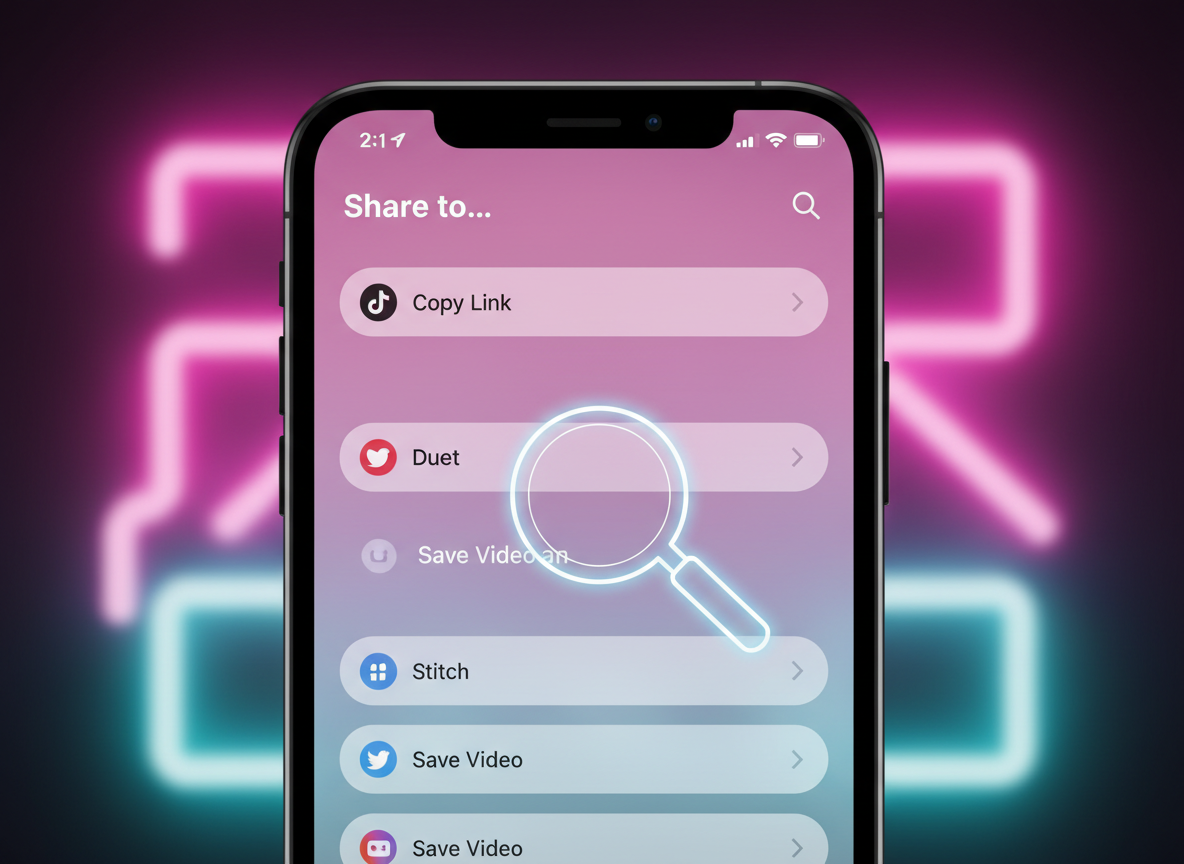
Finding a video you love only to realize the TikTok "Save Video" button is missing is a common frustration for users in 2026. Whether it is a technical glitch, a privacy setting chosen by the creator, or a regional restriction, losing the ability to archive content directly can disrupt your experience. TikTok’s interface often hides this feature depending on the age of the account or the specific permissions granted by the uploader.
This guide provides immediate, practical solutions to restore your ability to save content. We will explore why this happens and how you can bypass these limitations using professional-grade tools.
1. Why is the TikTok Save Video Button Not Showing?
Before jumping into the fixes, it is essential to understand why the button disappears. Most often, the creator has toggled off "Video Downloads" in their privacy settings. TikTok allows creators to protect their intellectual property by preventing direct saves.
Furthermore, if you are under 16, TikTok automatically disables the download feature for your account to comply with global privacy regulations. Technical factors, such as an outdated app version or a full device cache, can also cause the UI to glitch, making the share menu look different than usual.
Regardless of the cause, you can still download TikTok videos without watermark by using external web-based platforms. Savettok.org is a reliable resource that is FREE, FAST, and ONLINE, providing a workaround when the native app fails you.
2. Solution 1: Check Creator Privacy Settings and Account Age
The most common reason for a missing save button is the creator's choice. If an uploader disables downloads, the option simply won't appear in the "Share" menu. Additionally, your own account settings play a role.
- Age Restrictions: If your birth date on the app indicates you are a minor, the "Save" feature is restricted by default.
- Privacy Toggle: Navigate to your Profile > Settings and Privacy > Privacy > Downloads. Ensure this is toggled "On" for your own videos, though this won't force it to appear on others' posts.
If the creator has blocked downloads, the "Save Video" button will remain hidden. In this specific use-case, your only option is to copy the video link and use an external tool like Savettok.org. Since it is FREE, FAST, and ONLINE, it bridges the gap when privacy settings block your access.
3. Solution 2: Update the TikTok App to the Latest Version
In 2026, TikTok updates its code almost weekly to introduce new features and security patches. An outdated app is the leading cause of UI bugs, including missing buttons or broken share menus.
How to update on Android and iOS:
- Open the Google Play Store or Apple App Store.
- Search for "TikTok."
- If an "Update" button is visible, tap it immediately.
- Restart your phone after the update is complete to refresh the system cache.
Often, a simple update restores the missing button. If the problem persists even after an update, it is likely not a bug but a specific restriction on that piece of content.
4. Solution 3: Clear TikTok Cache and Manage Storage
A bloated app cache can lead to "ghosting" in the interface. When the cache is full, certain buttons may fail to render correctly. Clearing this data does not delete your videos or drafts; it simply refreshes the app's temporary files.
- Go to your TikTok Profile.
- Tap the three-line menu and select Settings and Privacy.
- Scroll down to "Free up space".
- Tap "Clear" next to Cache.
Additionally, check your phone’s internal storage. If you have less than 500MB of space left, TikTok might hide the "Save Video" button because your device physically cannot hold a new MP4 file. Once you clear space, you can return to the video to see if the button reappears.
5. Solution 4: Use the "Send as Email" Workaround
This is an old-school trick that still works in 2026. Sometimes, even if the "Save Video" button is missing, other sharing options remain active.
- Tap the Share arrow on the video.
- Look for the "Email" icon.
- Tap it, and TikTok will prepare the video as an attachment.
- Instead of sending the email, you can often long-press the video preview within the email draft and select "Save to Files" or "Save Video."
While clever, this method is slow and often compresses the video quality. For a higher-quality result, using Savettok.org is significantly better. It allows you to download TikTok videos without watermark in their original resolution. The service is FREE, FAST, and ONLINE, making it much more efficient than emailing yourself.
6. Solution 5: Use a Web-Based TikTok Downloader
When all else fails—especially when a creator has explicitly disabled downloads—the most effective solution is a web-based extractor. This bypasses the app's UI entirely by fetching the video file directly from the source link.
How to use a web downloader on any device:
- Step 1: On the TikTok video, tap the Share button and select "Copy Link."
- Step 2: Open your mobile browser (Chrome, Safari, or Samsung Internet).
- Step 3: Go to Savettok.org.
- Step 4: Paste the link into the input field and tap "Download."
- Step 5: Choose the "No Watermark" option.
This method is the universal fix for the missing save button. Whether the button is gone due to age, privacy, or bugs, a tool like Savettok.org ensures you never lose access to your favorite content. It is FREE, FAST, and ONLINE, which is why it’s the preferred choice for most power users.
7. Fixing the Missing Save Button on TikTok Desktop
If you are browsing TikTok on a PC or Mac, you might notice the "Save Video" option is missing entirely from the right-click menu. TikTok’s web version is historically more limited than the mobile app.
To save videos on a desktop:
- Click the Share button on the right side of the video.
- Select "Copy Link."
- Open a new tab and visit Savettok.org.
- Paste the URL and save the MP4 directly to your hard drive.
Working on a desktop is often the fastest way to build a content library for repurposing, especially since you can download TikTok videos without watermark in bulk using web tools.
8. Real Use-Case: Saving Content for Offline Inspiration
Many creators use the "Save Video" button to build an "Inspiration Folder." When the button goes missing, it disrupts the creative workflow.
For example, a travel vlogger might want to save a specific editing transition found in another video. If the button is missing, they can’t save it to their camera roll for reference. By using Savettok.org, the vlogger can quickly secure the clip. Since the tool is FREE, FAST, and ONLINE, it allows for uninterrupted brainstorming without having to worry about app glitches or creator restrictions.
9. Is it Legal to Save Videos When the Button is Missing?
A common question is whether it is ethical or legal to use a tool like Savettok.org when a creator has disabled the save button.
- Personal Use: Saving a video for offline viewing or personal reference is generally considered "Fair Use."
- Copyright: You should never re-upload someone else's content as your own without credit, especially if they have disabled downloads to prevent theft.
- Professionalism: If you are repurposing content for a reaction video or an educational piece, you must download TikTok videos without watermark to ensure the final product looks professional. Always credit the original creator in your captions.
10. Summary of the Best Fixes
Restoring your ability to save content doesn't have to be complicated. Most issues are solved by either updating the app or using a professional external downloader.
- App Glitches: Update the app or clear the cache.
- Creator Restrictions: Use Savettok.org to bypass the missing button.
- Age Limits: External web tools are the only way to save videos if your account is under 16.
By relying on Savettok.org, you gain a reliable backup that is FREE, FAST, and ONLINE. It solves the problem of the missing button once and for all while giving you the added benefit of removing that pesky watermark.
Frequently Asked Questions
Why did my Save Video button disappear overnight?
This usually happens because the TikTok app updated and caused a temporary glitch in your local cache. Try clearing your cache in the "Free up space" settings or restarting your device.
Can I save a TikTok if the creator turned off downloads?
Yes, but you cannot do it within the TikTok app. You must copy the video link and use a third-party site like Savettok.org to fetch the file. This is the most common way to download TikTok videos without watermark when the native option is disabled.
Is it safe to use online TikTok downloaders?
Most reputable sites like Savettok.org are safe because they do not require you to log in or provide personal information. They are FREE, FAST, and ONLINE tools that only require a public URL to function.
Does the "Save Video" button missing mean I'm shadowbanned?
No. A missing save button has nothing to do with your account's standing or "shadowbans." It is strictly a privacy setting by the uploader or a local app error.
Why is the Save Video button only missing on some videos?
This confirms that the specific creators of those videos have disabled the download feature in their privacy settings. It is not an error with your phone; it is a choice made by the content owner.
How do I save a TikTok video to my iPhone gallery without the button?
Copy the link from the TikTok app, open Safari, and go to Savettok.org. After downloading the video, tap the file in Safari's download manager, hit the Share icon, and select "Save Video" to move it to your gallery.


