
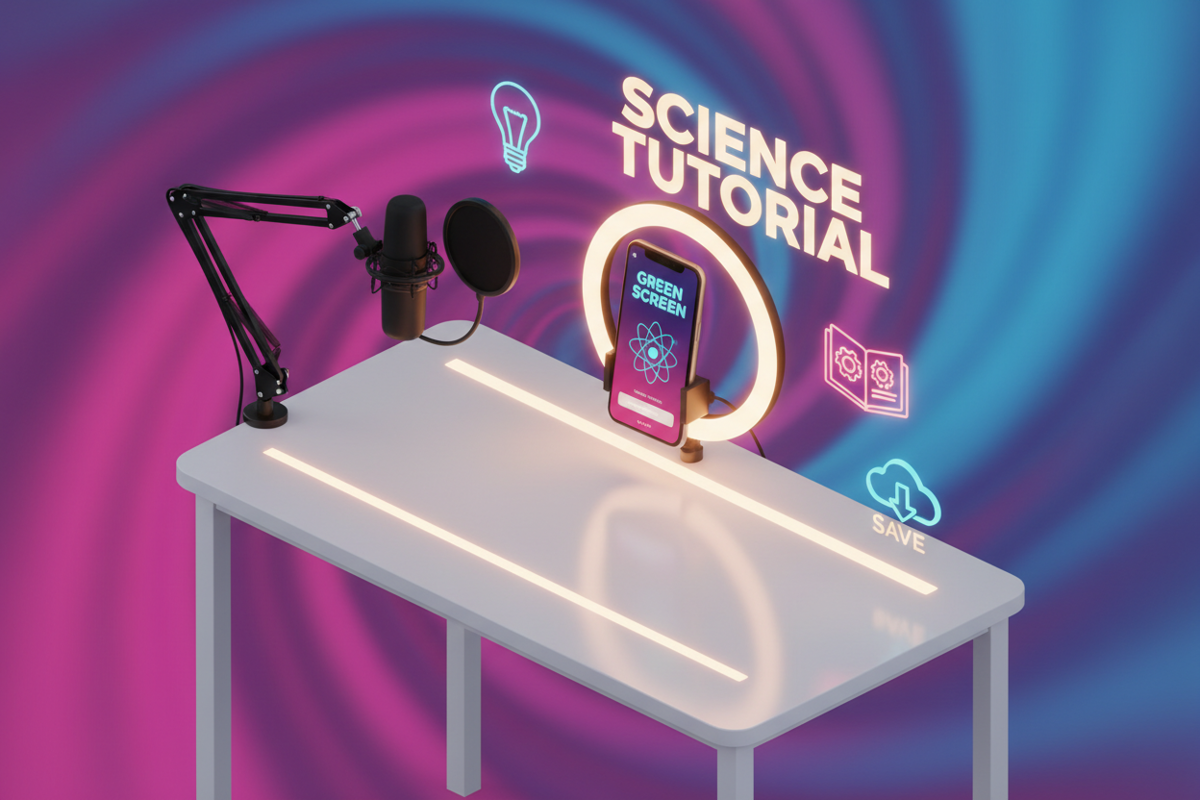
Educational content, often referred to as "EduTok," has transitioned from a niche trend into a pillar of the TikTok ecosystem. In 2026, users no longer just look for entertainment; they search for micro-learning opportunities that solve immediate problems. However, the challenge for educators and experts is the platform's short attention span. If your content feels like a traditional classroom lecture, users will swipe past it in seconds.
To succeed, you must merge pedagogical value with high-velocity entertainment. This means mastering the art of the "hook," utilizing rapid-fire editing, and ensuring your information is both credible and digestible. This guide provides a technical and practical framework for building an educational presence that drives both views and retention.
1. Understanding the Psychology of Learning on Short Form Video
TikTok users have a specific psychological profile: they are looking for "dopamine-driven education." This means the information must be presented as a "hack," a "secret," or a "quick fix" to a common pain point.
- Micro-Learning Segments: Break complex topics into 15 to 60-second chunks. If a topic is too large, create a multi-part series to encourage users to follow for the conclusion.
- Cognitive Ease: Use simple language. Avoid industry jargon unless you are defining it as part of the lesson.
- Visual Reinforcement: People retain 65% more information when it is paired with a visual. Use text overlays to highlight key terms as you speak them.
2. Developing a Hook That Stops the Scroll Immediately
The first three seconds of your video determine its fate. If you do not capture the user’s interest in this window, the algorithm will stop pushing your content.
- The Visual Hook: Start with a physical action, a bright prop, or a text overlay that asks a provocative question.
- The Verbal Hook: Use "Negative Hooks" like "Stop doing [X] if you want [Y]" or "Most people are failing at [X] because of this one mistake."
- The Result Hook: Show the finished product or the "After" state of a tutorial first to prove the value of the information you are about to share.
3. Designing a Script for Maximum Audience Retention
Retention is the most important metric for educational creators. A script should be lean, removing every unnecessary word to keep the pacing fast.
- The Hook (0-3s): Address a specific problem or curiosity.
- The Bridge (3-10s): Explain why the viewer should listen to you (Expertise) and what they will learn.
- The Body (10-50s): Deliver the value. Use the "Rule of Three"—provide three actionable tips or steps.
- The CTA (50-60s): Give a clear Call to Action. "Save this for later" is often more effective for educational content than "Follow for more."
For creators looking to archive their lessons or share them across other professional platforms without the platform's native branding, using a tool like Savettok.org is a great solution. It allows you to download TikTok videos without watermark easily, ensuring your educational assets remain professional, and since the service is FREE, FAST, and ONLINE, it fits perfectly into a daily content workflow.
4. Best Practices for Filming Educational Tutorials
Your filming environment must convey Authoritativeness and Trustworthiness. If the video looks amateurish, viewers will doubt the accuracy of the information.
- Lighting is Non-Negotiable: Use a ring light or sit facing a window. Shadows on the face can make the creator look less trustworthy.
- Audio Clarity: Use a lapel microphone or the "Green Screen" effect with a high-quality voiceover. Clear audio is more important than 4K video for educational content.
- Framing: Keep your head in the upper third of the frame. This leaves the bottom and middle sections clear for text overlays and captions.
5. Utilizing TikTok Search SEO for Evergreen Discovery
Educational content has a longer shelf life than trends if it is optimized for search. Many users now use TikTok as a search engine to find "How-to" guides.
- Keyword-Rich Captions: Include the exact phrase people would search for (e.g., "How to fix a leaky faucet" or "Excel tips for beginners") in the first line of your caption.
- In-Video Text: TikTok’s AI reads the text on your screen. Ensure your primary keywords are displayed as text.
- Hashtag Strategy: Use 2 broad hashtags (e.g., #Learning) and 3 specific niche hashtags (e.g., #DigitalMarketingTips).
6. Real Use-Case: From Complexity to Viral Simplicity
Consider a financial advisor trying to explain "Compound Interest." A 5-minute video explaining the math will fail.
Instead, the creator uses a "Green Screen" over a compound interest calculator.
- Hook: "How $100 turns into $100,000 while you sleep."
- Body: They show the calculator numbers changing as they adjust the time slider. They explain the "Rule of 72" in 10 seconds.
- CTA: "Comment 'Money' and I'll send you the link to this calculator."
This turns a boring academic topic into a visual, interactive, and high-value experience that triggers the algorithm to push it to the For You Page.
7. Editing Techniques to Maintain High Engagement
Engagement isn't just about likes; it's about keeping the viewer's eyes moving so they don't get bored.
- Jump Cuts: Remove every "um," "ah," and long breath. The audio should be a continuous stream of information.
- Pattern Interrupts: Every 5 seconds, change the zoom level (switch between a close-up and a medium shot) or change the background text color.
- The "Green Screen" Effect: This is the most powerful tool for educators. It allows you to point at articles, data, or websites while you speak, increasing your Authoritativeness.
8. How to Use Captions and Subtitles for Accessibility
A significant percentage of users watch TikTok with the sound off. If your education relies solely on audio, you are losing half your audience.
- Auto-Captions: Always enable TikTok’s auto-captions and then manually edit them for accuracy.
- Highlighted Keywords: Manually add large, colorful text for the "Thesis" of your video so users know exactly what they are learning even if they swipe past quickly.
- Clear Fonts: Use high-contrast fonts (white text with a black background) to ensure readability on all screen sizes.
9. Building Authoritativeness Through Consistency and Niche Focus
To be seen as an expert, you must stay in your lane. If you teach "Cooking" one day and "Crypto" the next, the algorithm will struggle to categorize your profile.
- Niche Concentration: Post at least 80% of your content within a single subject area.
- The "Expert" Aesthetic: Wear consistent clothing or film in a consistent setting to build brand recognition.
- Community Interaction: Answer questions in the comments with video replies. This demonstrates your Expertise and builds deep Trustworthiness with your audience.
10. Practical Solutions for Measuring Educational Success
Success for educational creators isn't just about views; it's about the "Save" and "Share" metrics.
- Saves: High save counts indicate that your information is so valuable the user wants to refer back to it later. This is the ultimate "EduTok" metric.
- Shares: High share counts indicate that your information solved a common problem so well that people want to help their friends.
- Comment Sentiments: Are people asking follow-up questions? This is a signal that you have successfully engaged their curiosity.
Frequently Asked Questions
What is the best length for an educational TikTok?
In 2026, the "sweet spot" for educational content is between 45 and 90 seconds. This is long enough to provide real value but short enough to maintain a high completion rate, which is critical for the algorithm.
Can I grow an educational account without showing my face?
Yes. You can use top-down "POV" shots (common in cooking or craft tutorials), screen recordings with voiceovers, or high-quality stock footage. However, showing your face generally builds Trustworthiness (EEAT) faster.
How do I find educational topics that are trending?
Check the "Search" bar on TikTok. Type in your niche (e.g., "Gardening") and see what the "Suggested Searches" are. These are the exact questions your target audience is currently asking.
Is it better to film in the TikTok app or an external camera?
Filming in the app is faster and gives you access to native filters and sounds, but using a high-quality external camera and importing the footage often results in a more professional "Expert" look.
How often should I post educational content?
Consistency is key. Aim for 3 to 5 times per week. Quality is more important than quantity; one high-value tutorial that gets saved 10,000 times is better than five mediocre videos that people swipe past.
Does the "For You Page" favor educational content?
Yes. TikTok has actively invested in the #LearnOnTikTok initiative. The algorithm seeks to balance pure entertainment with high-value, informative content to keep users on the app for longer durations.
You May Also Like:
- 10 Daily Habits of Successful TikTok Content Creators
- How to Negotiate Your Rates for TikTok Sponsored Content
- The Science of the For You Page (FYP): How It Actually Works


