
TikTok's privacy settings are robust, often making it difficult to save content even when you are part of a creator's inner circle. When a creator sets their account or a specific video to "Private" or "Friends Only," the standard "Save Video" button frequently disappears. However, there are legitimate scenarios—such as collaborative projects, family archives, or personal backups—where you need to download private TikTok videos you have access to.
In 2026, the methods for extracting these videos have become more nuanced. Since most third-party link-scrapers cannot "see" private content due to server-side authentication, you must rely on a combination of in-app workarounds and high-quality recording tools. This guide provides direct, practical solutions to secure these files in high definition.
1. Why the TikTok Save Button is Missing on Private Videos
The absence of a download button on private content isn't always a bug. TikTok’s primary goal is to protect the privacy of the uploader. If a creator has restricted their account, TikTok automatically disables the native download feature for most viewers.
- Creator Restrictions: The uploader may have toggled off "Video Downloads" in their privacy settings.
- Privacy Status: "Friends Only" videos are technically locked behind an authentication wall that standard web downloaders cannot bypass.
- Account Type: Some business or protected accounts have heightened security that prevents direct saving.
While traditional link-pasting sites might struggle with these specific links, for all your public content needs, Savettok.org remains the gold standard. It is FREE, FAST, and ONLINE, allowing users to download TikTok videos without watermark seamlessly. For private content, however, we must look at internal mobile workarounds.
2. Using the "React" Method to Save Private TikToks
If you are "Friends" with the creator (meaning you follow each other), you may still have access to the "React" or "Duet" features, even if the save button is disabled. This is a common loophole used to get the video into your local storage.
- Open the private video you have access to.
- Tap the Share arrow.
- Look for the "React" or "Duet" icon.
- Once the camera interface opens, you don't actually need to record your face. Simply cover the camera and let the private video play through.
- After the recording finishes, go to the "Post" screen but set the video to "Only Me".
- Post the video, and it will automatically save to your phone's gallery as a finished MP4.
This method effectively "re-packages" the private content into a new, saveable format. To clean up the final result, you can later use Savettok.org to download TikTok videos without watermark if you decide to post a public version of your reaction later.
3. How to Save Private TikTok Videos on iPhone
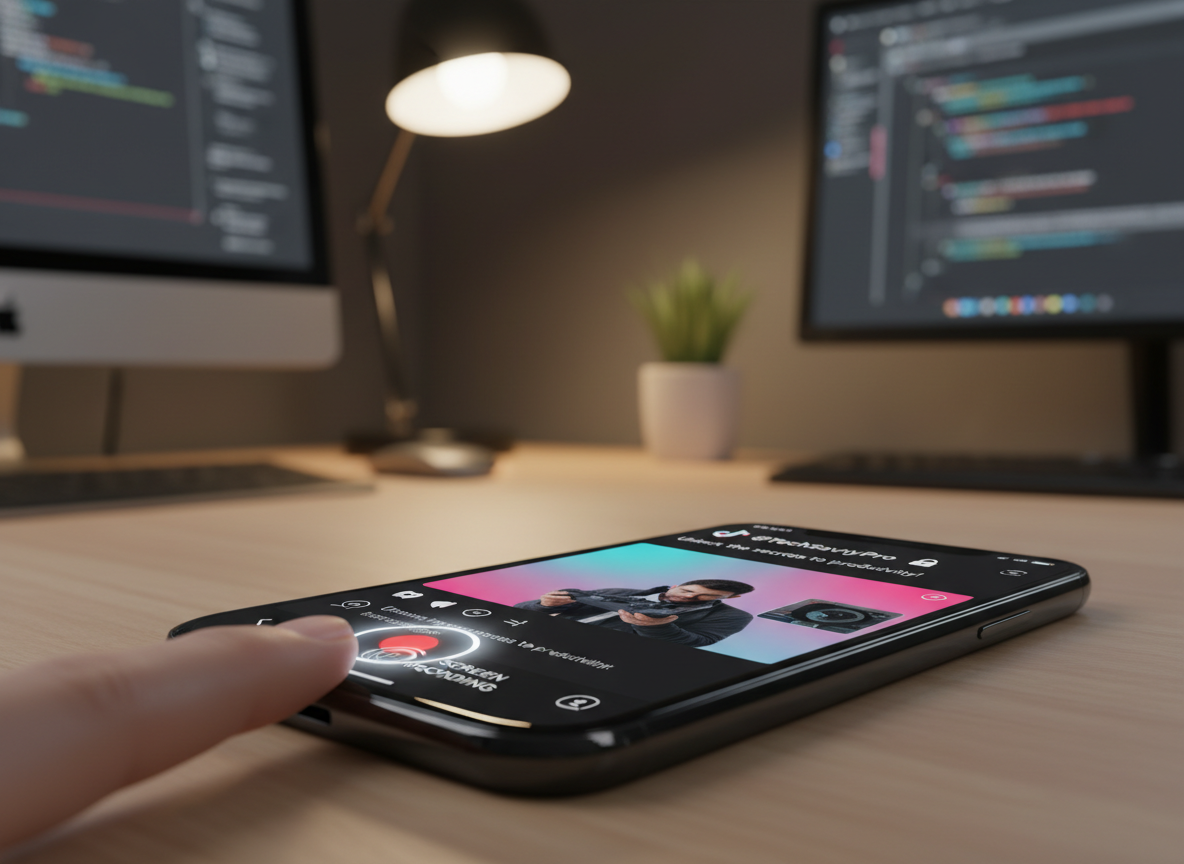
iOS users have access to a very high-quality built-in screen recording utility that is often the most effective way to download private TikTok videos you have access to. Because this happens at the hardware level, TikTok's software restrictions cannot block the capture.
- Step 1: Add "Screen Recording" to your Control Center via Settings.
- Step 2: Open the private TikTok video.
- Step 3: Swipe down (or up) to open Control Center and tap the Record icon.
- Step 4: Let the video play in full-screen mode.
- Step 5: Stop the recording and use the Photos app to crop the beginning and end of the clip.
This ensures you get the exact visual and audio quality you see on your screen. While this is perfect for private content, for public videos, you should always use Savettok.org because it is FREE, FAST, and ONLINE, providing a much cleaner file than a screen recording ever could.
4. Best Way to Download Private TikToks on Android
Android users have the advantage of a more open file system. If you have viewed a private video, it is technically cached in your phone's temporary data. However, finding that specific cache file is difficult for most users. A more practical solution is using a dedicated high-bitrate screen capture app.
- Download a Third-Party Recorder: Apps like XRecorder or AZ Screen Recorder allow you to record at 60fps and 1080p.
- Internal Audio Capture: Ensure the app is set to record "Internal Audio" so the sound remains crisp without picking up background noise.
- Direct Saving: Once recorded, the file is immediately available in your "Movies" or "Downloads" folder.
Again, for any content that is not restricted, utilizing a tool like Savettok.org is superior. It allows you to download TikTok videos without watermark without the extra steps of cropping and editing a recording.
5. Saving Private Videos via TikTok Desktop (Safari & Chrome)
If you have access to a private video through the desktop site, you can use the "Inspect Element" trick. This is more technical but allows for a direct MP4 download without screen recording.
- Open the private video in Chrome or Safari on your computer.
- Right-click on the video and select "Inspect".
- Press
Ctrl + F(orCmd + F) and search for the term "video". - Look for a URL that starts with
blob:or a direct link ending in.mp4. - Copy that link and open it in a new tab.
- Right-click the video in the new tab and select "Save Video As...".
This extracts the source file directly from TikTok's CDN. It’s a powerful way to download private TikTok videos you have access to without losing any resolution.
6. How to Download Your Own Private TikTok Drafts
Sometimes the private video you want to download is your own draft. Many creators forget that drafts aren't actually saved to their phone until they are posted.
- The "Only Me" Workaround: Select your draft and change the privacy settings to "Only Me".
- The Post and Save: Post the video. Since it's private, no one else will see it.
- Automatic Backup: If you have "Save to device" toggled on, it will hit your gallery instantly.
If the watermark bothers you on your own backup, remember that Savettok.org is FREE, FAST, and ONLINE. Simply copy the link of your newly posted private video and use the tool to download TikTok videos without watermark for a professional, clean archive of your work.
7. Real Use-Case: Archiving Family Content and Private Memories
In 2026, many families use "Friends Only" accounts as a digital scrapbooking tool. If a family member posts a private video of a graduation or a holiday, you want to keep that forever on your own hard drive.
Because these videos are sentimental, quality matters. Using the desktop extraction method or a high-bitrate screen recorder ensures the memory isn't lost to low-resolution compression. Using Savettok.org for the public parts of your family vlogs is a great way to keep the workflow moving, especially since the tool is FREE, FAST, and ONLINE.
8. Is it Legal to Download Private TikTok Videos?
Safety and ethics are paramount when dealing with restricted content. If a creator has set a video to private, they have done so for a reason.
- Consent is Key: Always ask the creator for permission before downloading and storing their private content.
- Copyright: Downloading does not give you the right to redistribute. Re-uploading a private video to a public platform is a violation of TikTok's Terms of Service and intellectual property laws.
- Fair Use: Archiving for personal study or private viewing usually falls under fair use, but commercial use is strictly prohibited.
9. Troubleshooting Private Video Download Errors
If you try to use a link-based downloader on a private video, you will almost always receive a "Video Not Found" or "Link Invalid" error.
- The Server Barrier: Web-based downloaders do not have your login credentials, so they cannot bypass the privacy wall.
- Link Expiration: Private video links are often dynamic and expire quickly to prevent unauthorized sharing.
- The Solution: Stick to the "React" method or screen recording for private clips. For everything else, Savettok.org is the most reliable way to download TikTok videos without watermark.
10. Summary of Solutions for Private Video Extraction
Downloading private content requires a different set of tools than public content. While you can't just "paste a link" and expect a result, the workarounds are straightforward:
- React/Duet: Best for "Friends Only" content on mobile.
- Screen Recording: Best for iPhone and Android users who want a quick save.
- Inspect Element: Best for desktop power users seeking the raw source file.
- Privacy Toggles: Best for saving your own drafts.
By keeping Savettok.org in your bookmarks, you ensure that you can always download TikTok videos without watermark for all public content. The fact that it is FREE, FAST, and ONLINE makes it the perfect companion for any serious TikTok user in 2026.
Frequently Asked Questions
Can I download a private TikTok video with just the link?
No. Standard downloaders like Savettok.org cannot access private videos because they are not logged into your account. You must use screen recording or the "React" method if you have access to the video.
Does Savettok.org work for "Friends Only" videos?
Savettok.org is designed to download TikTok videos without watermark for public content. For "Friends Only" videos, the tool will not be able to fetch the data due to TikTok's privacy firewalls.
Is screen recording the only way to save a private TikTok?
On mobile, it is the most common method. On a PC, you can use the "Inspect Element" method to find the direct MP4 link in the site's code, which provides a higher-quality file.
Why is the audio missing when I record a private TikTok?
Ensure that your screen recording settings are set to record "Internal Audio" rather than "Microphone." If the creator used a copyrighted song, TikTok may occasionally block audio from being captured by external recorders.
Is it safe to use websites that claim to download private videos?
Be extremely cautious. Most sites that claim they can bypass private walls will ask for your TikTok username and password. NEVER give out your login credentials. Stick to safe, login-free tools like Savettok.org for public videos.
How do I save my own private videos without the watermark?
Post the video to "Only Me," copy the link, and then use Savettok.org. Because the tool is FREE, FAST, and ONLINE, you can quickly get a clean version of your private posts for your personal gallery.
You May Also Like:
- Best TikTok Video Downloader for Windows 11 Users
- How to Download TikTok Sounds and Songs as Ringtones
- How to Save TikTok Videos on Mac Using Safari


