
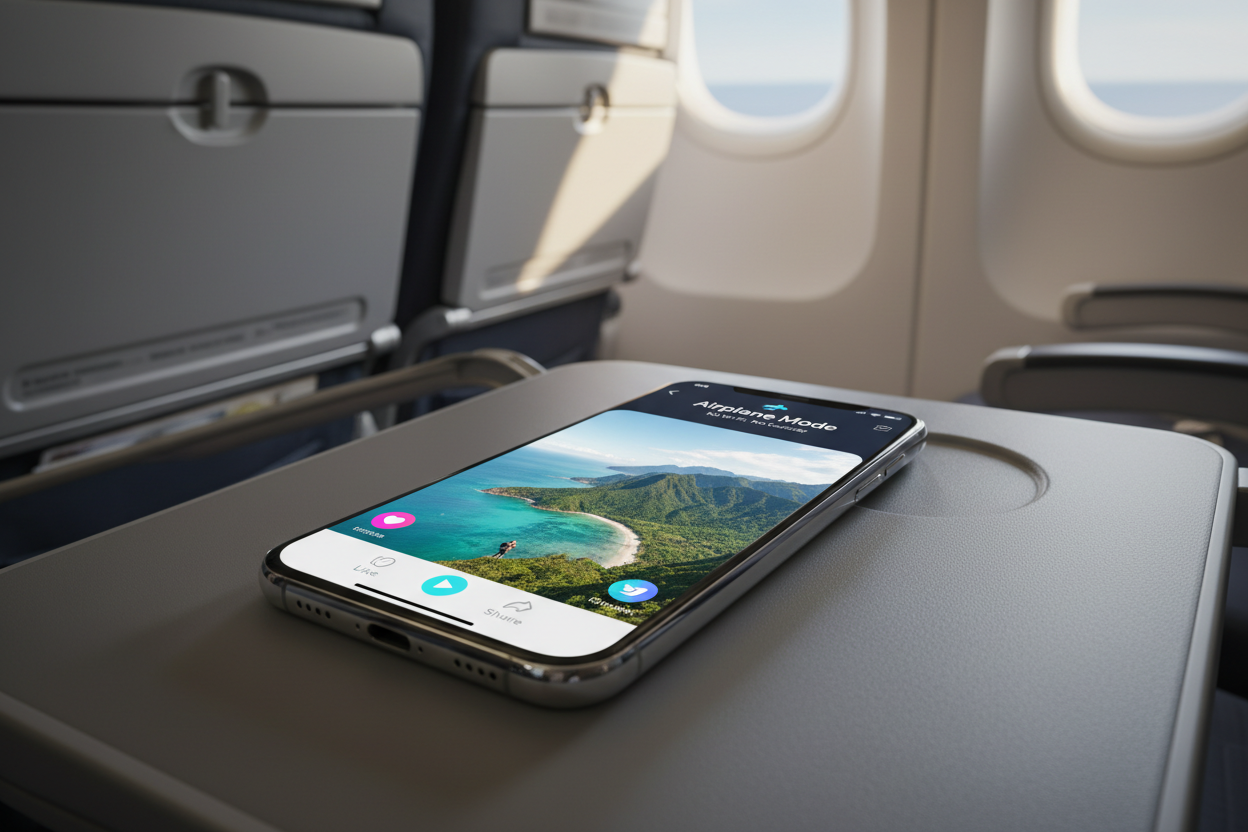
Traveling in 2026 often means dealing with long flights, remote destinations, and unpredictable data roaming charges. While TikTok is the ultimate source for entertainment and travel tips, the app relies heavily on a stable internet connection. If you are heading into a "dead zone" or want to avoid expensive airplane Wi-Fi, learning how to download TikTok videos for offline travel viewing is essential.
Storing content locally on your device ensures you have access to your favorite creators, workout routines, or travel itineraries regardless of your signal strength. This guide provides a direct, technical walkthrough on how to secure high-quality videos and manage your storage effectively before you head to the airport.
1. Why You Need Offline TikTok Access for Traveling
Relying on live streaming while traveling is a common mistake that leads to "buffer frustration" and drained batteries. TikTok’s algorithm is data-intensive; a single hour of scrolling can consume up to 800MB of data.
- Data Savings: International roaming can be prohibitively expensive. Downloading your content at home via Wi-Fi eliminates these costs.
- Flight Entertainment: Most domestic and international flights still charge for Wi-Fi that is often too slow to stream video.
- Remote Areas: If you are hiking, camping, or visiting rural landmarks, you likely won't have 5G access.
- Battery Efficiency: Your phone uses significantly less power playing a local video file than it does actively searching for a signal and streaming high-definition data.
To make the most of your travel library, you should download TikTok videos without watermark to keep your screen clean and focused on the content. A tool like Savettok.org is perfect for this because it is FREE, FAST, and ONLINE, allowing you to build a massive library before your trip begins.
2. Best Way to Save TikTok Videos for Long Flights
When preparing for a long-haul flight, quality and quantity matter. You don't want a gallery full of blurry videos or clips that cut off halfway through.
The most efficient method is using a dedicated web-based extractor. While the TikTok app has a "Save Video" button, it often restricts certain clips due to creator settings or music licensing. By using Savettok.org, you bypass these local restrictions. Since the platform is FREE, FAST, and ONLINE, you can quickly process a list of links and have your entire flight's entertainment ready in minutes. This ensures you have a consistent, high-resolution viewing experience at 30,000 feet.
3. How to Download TikTok Videos Without Watermark for Travel
There is nothing more distracting than a bouncing logo when you are trying to watch a detailed travel guide or a cooking tutorial. Native app downloads always include the creator's handle and the TikTok logo, which can block important visual information.
To get a "clean" file, follow these steps:
- Copy the Link: Open TikTok and find the video you want. Tap the share arrow and select "Copy Link."
- Paste into the Tool: Go to Savettok.org in your mobile or desktop browser.
- Download: Paste the link and select the "No Watermark" option.
- Check Your Gallery: The file will be saved as a high-quality MP4.
This method is the gold standard for travelers who want to download TikTok videos without watermark. It provides a professional, cinematic feel to your offline collection, making your travel downtime much more enjoyable.
4. Saving TikTok Travel Guides for Offline Use
Many travelers now use TikTok as a search engine for "Hidden Gems" or "Best Street Food in Tokyo." However, if you arrive at a crowded market and can't load your saved videos, that information is useless.
- Organize by Destination: Create specific folders in your phone’s gallery for each city (e.g., "Paris Food," "London Walks").
- Screenshot the Captions: Sometimes the most important info is in the text description. Take a quick screenshot of the caption to accompany the video.
- Direct Extraction: Use Savettok.org to ensure the guides you save are in full 1080p. Because it is FREE, FAST, and ONLINE, you can archive an entire city's worth of tips in one sitting.
5. How to Manage Phone Storage for Offline TikToks
High-definition videos take up significant space. If you plan to download several hours of content, you need to manage your storage proactively to avoid the "Storage Full" notification right when you want to take a vacation photo.
- Check Available Space: Go to Settings > General > iPhone/Storage (or Settings > Storage on Android).
- Choose Efficiency: While 1080p is great, if you are short on space, consider downloading standard definition versions of talking-head videos and reserving HD for scenery.
- Clear App Cache: Before downloading new files, clear the cache in your TikTok app settings to free up hundreds of megabytes.
- Use an External SD Card: Android users should set their download location to a high-speed SD card.
Using Savettok.org allows you to see the file size before you commit to the download, which is a major advantage for travelers on a storage budget. It remains FREE, FAST, and ONLINE, making it the best utility for quick prep.
6. Downloading TikTok Playlists for Commuting and Transit
If your travel involves lots of train rides or bus transits, playlists are your best friend. TikTok now allows creators to group videos into sets. Instead of hunting for links individually, you can focus on these curated collections.
Currently, there is no "Download All" button on TikTok. You will need to copy the links of the videos within the playlist and process them through an online tool. By using Savettok.org, you can download TikTok videos without watermark one by one with incredible speed. This allows you to have a continuous stream of content for those 2-hour commutes between European cities or through suburban transit lines.
7. Best Offline Video Player Apps for TikTok Content
Once you have your videos, the default gallery app is often insufficient for a great viewing experience. Consider downloading a dedicated media player that offers better control.
- VLC for Mobile: This is a "must-have" for travelers. It plays every file format and allows you to increase the volume beyond the system limit—perfect for noisy airplanes.
- Infuse (iOS): A beautiful interface that organizes your downloaded TikToks like a professional movie library.
- MX Player (Android): Offers excellent gesture controls for brightness and volume while watching your saved clips.
Having clean files from Savettok.org ensures these players can display proper thumbnails and high-bitrate playback. Since the tool is FREE, FAST, and ONLINE, it provides the perfect raw files for these advanced players.
8. Practical Solutions for Download Errors While Prep
Nothing is worse than a download failing 10 minutes before you leave for the airport. Common errors usually involve connectivity or app restrictions.
- Check Your Wi-Fi: Large downloads often stall on weak connections. Ensure you are close to your router.
- Permission Denied: Some creators disable downloads. To fix this, use Savettok.org. It bypasses the in-app "Save" toggle by fetching the file directly from the source.
- Link Validity: Ensure the video hasn't been deleted or set to private since you copied the link.
By using a web-based service, you avoid 99% of app-related glitches. Savettok.org is consistently updated to handle TikTok's latest API changes, ensuring your travel prep stays on schedule.
9. Real Use-Case: The Digital Nomad's Content Archive
For digital nomads, TikTok is often a tool for competitive research or inspiration. When working from a café with "spotty" internet in Bali or Lisbon, having an offline archive of trending transitions and hooks is a competitive advantage.
Nomads often use Savettok.org to build "Swipe Files." By being able to download TikTok videos without watermark, they can analyze the pacing and editing of viral content without visual distractions. Because the service is FREE, FAST, and ONLINE, it fits perfectly into the high-efficiency lifestyle of a professional creator on the move.
10. Summary: Your Pre-Travel TikTok Checklist
To ensure a seamless offline viewing experience, follow this final checklist before you depart:
- Link Collection: Spend 30 minutes finding the videos you truly want to watch.
- Batch Download: Use Savettok.org to download TikTok videos without watermark to ensure a clean, HD experience.
- Organize: Move the files from "Downloads" to specific albums in your photo gallery.
- Test: Turn on Airplane Mode and try playing a few videos to ensure they are saved locally and the audio works.
- Pack Headphones: Don't forget your noise-canceling buds for the best audio quality.
With Savettok.org being FREE, FAST, and ONLINE, there is no reason to ever be bored on a long trip again. You can have the best of TikTok right in your pocket, regardless of where your travels take you.
Frequently Asked Questions
Can I download TikTok videos directly to my iPad for travel?
Yes. Using Safari on your iPad, you can go to Savettok.org, paste your link, and download the file. It will save to your "Files" app or "Downloads" folder, where you can watch it offline.
Is it legal to download TikTok videos for offline viewing?
For personal use, such as watching a video on a flight, it is generally considered fair use. However, you should not re-upload or distribute someone else's content without their permission.
Why do some TikTok videos not have a "Save" button?
Creators can disable the "Download" feature in their privacy settings. If this is the case, the only way to get the video for offline viewing is to use a web-based tool like Savettok.org.
Does Savettok.org work on a Mac or PC?
Absolutely. It is a web-based service, so it works on any device with a browser. This is great for downloading videos to a laptop before a trip. It remains FREE, FAST, and ONLINE for all users.
How much space does a 15-second TikTok take?
On average, a high-quality 15-second TikTok video is about 5MB to 10MB. Longer videos (3 minutes) can take up 50MB to 100MB depending on the resolution.
Will the audio be included in my offline download?
Yes. When you download TikTok videos without watermark using Savettok.org, the full audio track is included in the MP4 file, ensuring you don't have silent videos during your trip.


