
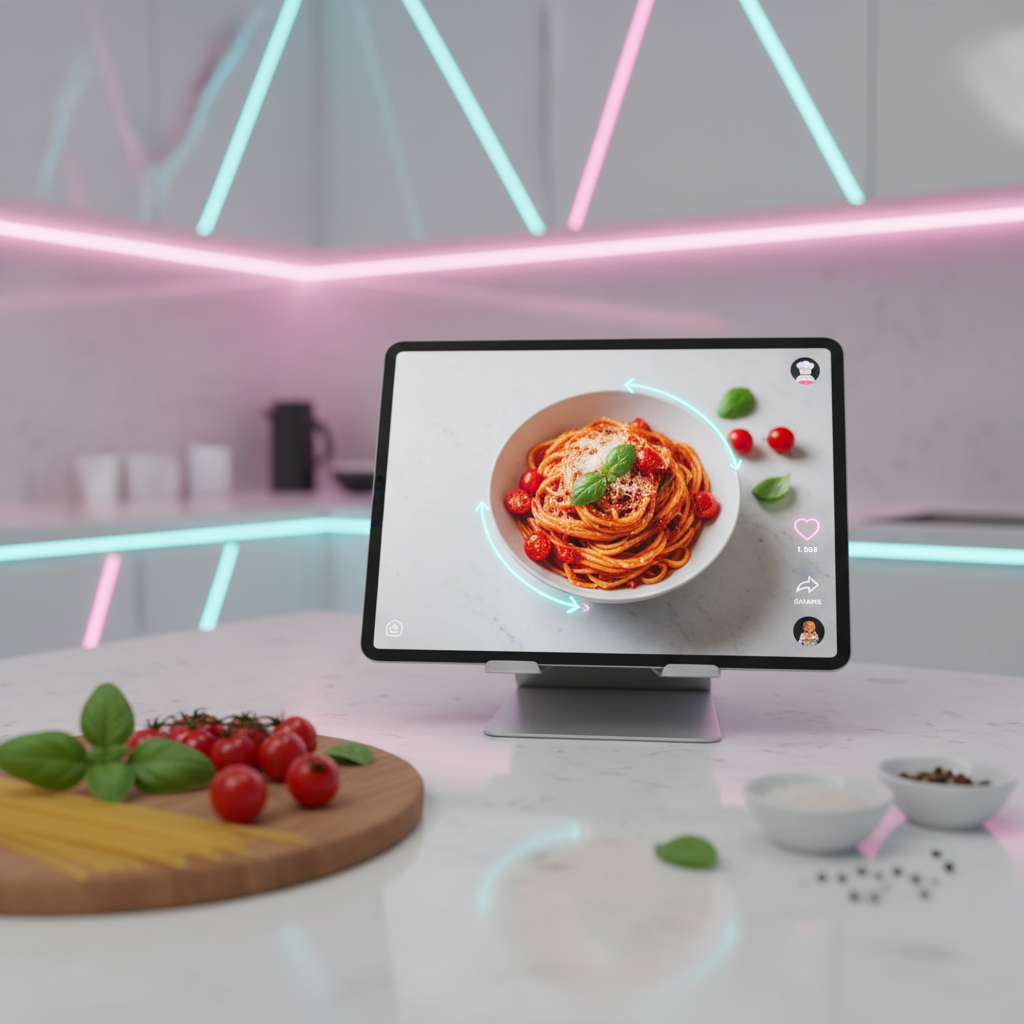
Trying to follow a viral TikTok recipe while a bouncing watermark constantly covers the ingredient measurements or the specific stove setting is an exercise in frustration. You are in the middle of a complex reduction or a delicate dough proofing, and the very information you need is obscured by a floating logo that won't sit still. TikTok has become the world’s largest digital cookbook, but its native "Save Video" feature is designed for social sharing, not for practical, hands-on kitchen use.
If you want to build a clean, professional digital recipe library that you can actually use while cooking, you need to strip away the platform's UI clutter. This guide provides a direct technical solution to help you archive high-definition food content, ensuring that your culinary inspiration remains clear, accessible, and watermark-free.
1. Why You Should Archive Viral Food Content Locally
Relying on your "Favorites" tab or a "Saved" folder within the TikTok app is a recipe for disappointment. Creators often delete videos, music licensing issues can mute the audio of a perfectly explained tutorial, or a change in privacy settings can make a recipe disappear right when you are ready to start prepping.
- Stability and Access: Having the MP4 file on your device means you aren't dependent on an internet connection or the creator's account status.
- Visual Clarity: Removing the watermark ensures that text overlays—often containing vital measurements—are never hidden.
- Editing Freedom: If you are a food blogger or a home chef, clean clips allow you to study techniques without the visual noise of social media branding.
2. Using Web-Based Tools to Extract High-Definition Recipes
The most efficient way to bypass the watermark is to avoid the "Save Video" button in the app entirely. Instead, you should use a browser-based extraction method. This approach pulls the raw video file from TikTok’s servers before the watermark is rendered onto the clip.
- Locate the Recipe: Open TikTok and find the culinary tutorial you want to archive.
- Copy the Share Link: Tap the arrow icon and select "Copy Link."
- Process the Extraction: Navigate to a specialized downloader in your mobile or desktop browser.
- Save in HD: Choose the highest available resolution (usually 1080p) to ensure that fine text and ingredient textures are visible on your screen.
For those who prioritize speed and simplicity in the kitchen, Savettok.org offers a streamlined experience. You can download TikTok videos without watermark in seconds, and because the platform is FREE, FAST, and ONLINE, it fits perfectly into a busy cooking workflow without requiring any software installations or registrations.
3. How to Organize a Digital Recipe Library on Your Device
Once you start downloading clean clips, your phone’s gallery can quickly become overwhelmed. A personal brand as a home chef is built on organization. You need a system that mimics a professional kitchen’s mise en place.
- Folder Categorization: Create a main folder named "Digital Cookbook" and use sub-folders for "Appetizers," "Main Courses," "Desserts," and "Techniques."
- Standardized Naming: Rename your downloaded files immediately. Instead of a random string of numbers, use:
Chicken_Parm_CreatorName_Date.mp4. - Cross-Platform Syncing: Upload your clean recipe clips to a cloud service like Google Drive or iCloud so you can view them on a tablet or smart fridge display while cooking.
4. Technical Requirements for Viewing Recipes in the Kitchen
The environment of a kitchen is harsh for electronics. To make the most of your watermark-free downloads, you need a setup that allows for hands-free viewing and high-contrast visibility.
- Tablet Stands: Use a sturdy, adjustable stand to keep your device at eye level and away from spills.
- Screen Brightness and Timeouts: Adjust your device settings so the screen doesn't dim or lock every 30 seconds while you are elbow-deep in flour.
- Bluetooth Audio: If the recipe has spoken instructions, connect to a kitchen speaker. High-quality audio is just as important as a clean video when you can't stop to look at the screen.
5. Bypassing Privacy Restrictions on Non-Downloadable Videos
Sometimes, a creator disables the "Save Video" function to protect their content. While this is their right, it creates a barrier for users who simply want to use the video as an educational cooking guide.
- The Link-Paste Method: Even if the "Save" button is missing, the "Copy Link" option usually remains. By using an external downloader, you can still grab the file for your personal archive.
- Regional Blocks: If a recipe video is blocked in your region due to music rights, using a web-based downloader often bypasses these local app restrictions, allowing you to access the visual cooking demonstration.
6. Converting Viral Clips into Step-by-Step PDF Guides
A clean, watermark-free video is the perfect source material for creating a physical recipe card.
- Capture Screenshots: Play your downloaded clip and take screenshots of the final ingredient list and the finished dish.
- Transcribe Instructions: Because the video is clear of logos, you can easily read every caption as you type out the steps.
- Combine and Print: Use a simple document editor to paste your images and text. This gives you a permanent, tangible version of the viral trend that lives in your physical kitchen binder.
7. Real Use-Case: Archiving a 24-Hour Sourdough Tutorial
A home baker in Luanda found an intricate sourdough tutorial that spanned several days. The creator used small text in the top-right corner to indicate the exact timing of each "stretch and fold."
- The Problem: The TikTok watermark bounced exactly over the timestamps every 5 seconds.
- The Action: The baker used a watermark-free downloader to save the full 3-minute tutorial to their tablet.
- The Result: With a clean video, the baker could pause and zoom in on the dough’s texture and clearly read every timestamp. The sourdough was a success because the technical details weren't obscured by platform branding.
8. Managing Storage Space for High-Res Cooking Videos
High-definition recipe videos can consume significant storage space on your smartphone. Since you are downloading watermark-free MP4s, you should manage your storage strategically.
- Compression: If you have a massive library, use a video compressor to reduce file sizes without losing the legibility of the captions.
- SD Card Offloading: If you use an Android device, move your "Digital Cookbook" folder to an external SD card to keep your internal memory free for high-performance apps.
- Periodic Audits: Every month, delete the recipes you’ve already mastered or decided you won't cook again.
9. Leveraging Clean Clips for Culinary Education
For culinary students or professional chefs, downloading clean clips is about more than just convenience; it’s about "Expertise" and "Authoritativeness."
- Technique Comparison: Download three different "Best Steak" videos from different creators. Play them side-by-side to compare the searing techniques. This is only possible with clean, watermark-free files.
- Presentation Reference: Use clean clips to study the plating and "food styling" of viral creators. The absence of the TikTok logo allows you to see the full composition of the plate.
10. Summary: The Ultimate Recipe Archiving Checklist
To build the perfect, clear, and watermark-free recipe library, follow these steps:
- Source the Link: Always copy the link directly from the TikTok share menu.
- Extract Cleanly: Use a browser-based tool to ensure the logo is removed during the download process.
- Optimize for Kitchen Use: Save files in 1080p for maximum clarity on tablet screens.
- Rename and File: Don't leave files in your "Downloads" folder; move them to a dedicated "Cookbook" directory.
- Sync Across Devices: Ensure you can access your clean clips on any screen in your home.
By taking these technical steps, you transform TikTok from a distracting social feed into a high-utility professional tool for your kitchen.
Frequently Asked Questions
Is it legal to download TikTok recipes for personal use?
Yes, downloading videos for personal, educational, or private reference is generally considered fair use. However, you should never re-upload a clean version of someone else's recipe as your own content, as this violates copyright and the "Trustworthiness" of the creator's work.
Why does my downloaded video look blurry?
This usually happens if you chose a "Fast" or "Low Quality" download option. Always select "HD" or "Original Quality" to ensure that recipe measurements and text overlays remain legible.
Can I download TikTok recipes on my computer?
Absolutely. Using a web-based tool is actually easier on a desktop. Just paste the link into the browser-based downloader, and the file will save to your "Downloads" folder, ready to be synced to your cloud storage.
Do I need to pay for a TikTok watermark remover?
No. The best tools for this task are completely free and supported by minimal web ads. You should never have to enter credit card information just to save a recipe video.
Can I save a TikTok as an MP3 if I only want the audio instructions?
Yes, many professional downloaders offer an "MP3" option. This is great for podcasts or creators who explain the recipe verbally without needing the visual cues.
How do I remove the watermark from a video I already saved?
If you used the native TikTok "Save" button, the watermark is "burned" into the video. You cannot easily remove it. The best solution is to go back to the original video link and download it again using a clean extraction tool.


