
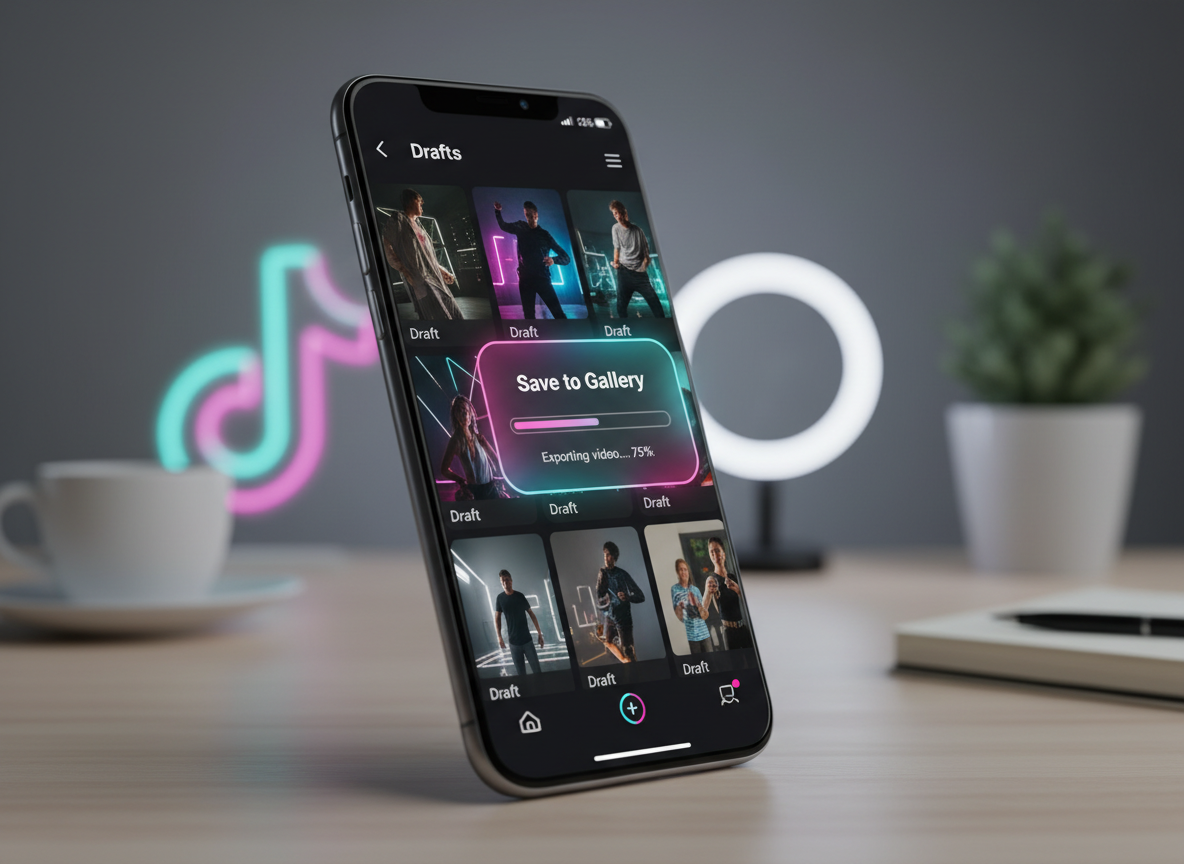
Managing your content pipeline on TikTok often involves keeping dozens of drafts ready for the perfect posting moment. However, a common frustration for creators in 2026 is that TikTok does not provide a direct "Save to Gallery" button for drafts. These videos are stored locally within the app’s temporary data, meaning if you delete the app or lose your phone, those unposted masterpieces are gone forever.
Learning how to download your own TikTok drafts to your gallery is essential for backing up your work, editing in external software like CapCut or Premiere Pro, and repurposing your content for other platforms. This guide provides the most direct and effective methods to secure your drafts safely.
1. Why You Should Save TikTok Drafts to Your Phone
Drafts are vulnerable. Because they are not yet published to TikTok’s servers, they exist only in your phone's app cache. If you encounter a technical glitch or need to switch devices, you risk losing hours of editing.
Furthermore, saving drafts allows you to:
- Edit with Professional Tools: Move your raw footage to a desktop for advanced color grading.
- Content Repurposing: Post the same high-quality video to Instagram Reels or YouTube Shorts.
- Storage Management: Clear out the TikTok app's bloat without losing your creative work.
To maintain the highest quality during this process, many creators choose to download TikTok videos without watermark. While drafts are a bit different, using a tool like Savettok.org is a great way to handle your published content later. It is FREE, FAST, and ONLINE, making it a staple for modern social media workflows.
2. How to Save TikTok Drafts to Gallery Without Posting
The most requested feature on TikTok is a private save button for drafts. Since it doesn't officially exist, you have to use the "Private Upload" workaround. This method allows you to move the video to TikTok’s servers under a "hidden" status so you can then download it.
Step-by-Step Guide:
- Open your Drafts folder: Tap the drafts icon on your profile page.
- Select the video: Tap the draft you wish to save.
- Tap "Next": Move to the posting screen.
- Adjust "Who can watch this video": Change this setting from "Everyone" or "Friends" to "Only me."
- Enable "Save to device": Ensure the toggle for "Save to device" is switched on under more options.
- Post the video: Hit the post button.
Because the privacy is set to "Only me," no one else will see the video. Once the upload finishes, the video will automatically appear in your phone's gallery.
3. How to Download TikTok Drafts Without Watermark
When you use the "Save to device" method mentioned above, TikTok usually attaches a watermark with your username. If you want a clean version of your own footage for professional use, you’ll need an extra step.
After you have posted the video privately (to "Only me"):
- Go to your profile: Tap the private tab (the lock icon).
- Open the video: Tap the video you just posted.
- Copy the Link: Tap the three dots and select "Copy Link."
- Use an External Tool: Navigate to Savettok.org.
- Paste and Download: This allows you to download TikTok videos without watermark for free.
Since Savettok.org is FREE, FAST, and ONLINE, it is the most efficient way to get a clean MP4 of your own content without the distracting TikTok logo overlaying your hard work.
4. Saving TikTok Drafts Using Screen Recording
If you have a very long draft or a video that uses copyrighted music that prevents saving, screen recording is your manual fallback. This isn't the highest quality method, but it works in a pinch.
- Step 1: Open the draft in the editor.
- Step 2: Tap the "Preview" button (top right) to view the video without the editing interface.
- Step 3: Swipe down your control center and start your Screen Recorder.
- Step 4: Let the video play through completely.
- Step 5: Stop the recording and crop the edges in your gallery's video editor.
The downside here is that you may lose some audio fidelity and the UI elements might still be visible if you don't use the full-screen preview mode correctly.
5. How to Move TikTok Drafts to a New Phone
A major panic point for creators is switching from an old iPhone to a new one, or moving from Android to iOS. TikTok drafts do not transfer automatically. They are tied to the local storage of the original device.
To move them, you must save each draft to your gallery using the "Only me" posting method. Once the videos are in your phone's native gallery (Camera Roll), you can use cloud services like iCloud, Google Photos, or WeTransfer to move the files to your new device. From there, you can re-upload them to TikTok as new clips.
6. How to Fix TikTok Drafts Not Saving to Gallery
Sometimes, even after following the steps, the video doesn't appear in your photos. This usually happens due to one of three reasons:
- Storage is Full: If your phone has less than 500MB of space, the save will fail.
- Permissions Disabled: Check your phone settings to ensure TikTok has permission to "Write" to your Photos/Gallery.
- App Version: Outdated apps often have bugs in the save-to-device feature. Ensure you are on the latest 2026 update.
If the internal save feature continues to fail, the best workaround is to post the video privately, copy the link, and use Savettok.org. Being FREE, FAST, and ONLINE, it bypasses internal app errors by pulling the file directly from the link you provide.
7. Recovering Deleted TikTok Drafts
Can you recover a draft once it's deleted? Generally, no. Once a draft is removed from the app, TikTok does not keep a backup on their servers because the video was never "published."
This is why saving your drafts to your gallery is so vital. If you accidentally hit delete or if your app crashes and resets, your work is gone. Make it a habit to privately post and download any video that takes you more than ten minutes to edit.
8. Real Use-Case: Repurposing Drafts for YouTube Shorts
Many professional creators use TikTok as their primary editing suite because of the intuitive text-to-speech and filter tools. However, they don't always want to post that specific edit to TikTok first.
By saving the draft privately and using Savettok.org, you can download TikTok videos without watermark and upload them directly to YouTube Shorts or Instagram Reels. This keeps your branding consistent across platforms without making it obvious that the content was originally created on a competitor's app.
9. Managing Large Draft Folders to Save Space
TikTok drafts can take up gigabytes of space on your phone. If your device is running slow, it’s time to audit your drafts.
- Identify the "must-keeps."
- Save them to your gallery using the private post method.
- Once saved, delete the draft within the TikTok app.
- Move the gallery files to an external hard drive or cloud storage.
This keeps your phone fast and ensures your creative assets are backed up in a permanent location outside of a social media app.
10. Summary of Best Practices for TikTok Drafts
To ensure your content is always safe, follow these rules:
- Never delete the TikTok app without saving your drafts first.
- Use the "Only me" posting method for a secure backup.
- Always remove the watermark if you plan to use the video on other platforms.
- Use Savettok.org for a seamless, high-quality download experience. It remains FREE, FAST, and ONLINE for all users in 2026.
Frequently Asked Questions
Can I save a TikTok draft to my gallery without a watermark?
TikTok does not allow this natively. You must post the video privately (set to "Only me"), then copy the link and use a tool like Savettok.org to download TikTok videos without watermark.
Why can't I see the "Save to device" option?
This option may be hidden under the "More options" menu on the final posting screen. If it’s still missing, ensure your app is updated and that you have granted the app storage permissions in your phone settings.
Will my drafts be deleted if I log out of TikTok?
Logging out usually preserves drafts, but deleting the app or clearing the app data will definitely erase them. Always save important work to your gallery before performing any major app troubleshooting.
Is there a limit to how many drafts I can have?
There is no hard limit from TikTok, but your phone's physical storage will eventually stop you. High-definition drafts can be 50MB to 100MB each.
Can I edit a draft after I save it to my gallery?
Once it's in your gallery, it is a flattened MP4 file. You can edit the video as a whole, but you cannot change the individual TikTok text layers or stickers that were added within the app.
Is Savettok.org safe for my drafts?
Yes. Since you are posting the video privately first and then using the link, Savettok.org simply acts as a downloader for the file. It is FREE, FAST, and ONLINE, requiring no login or personal data.


