
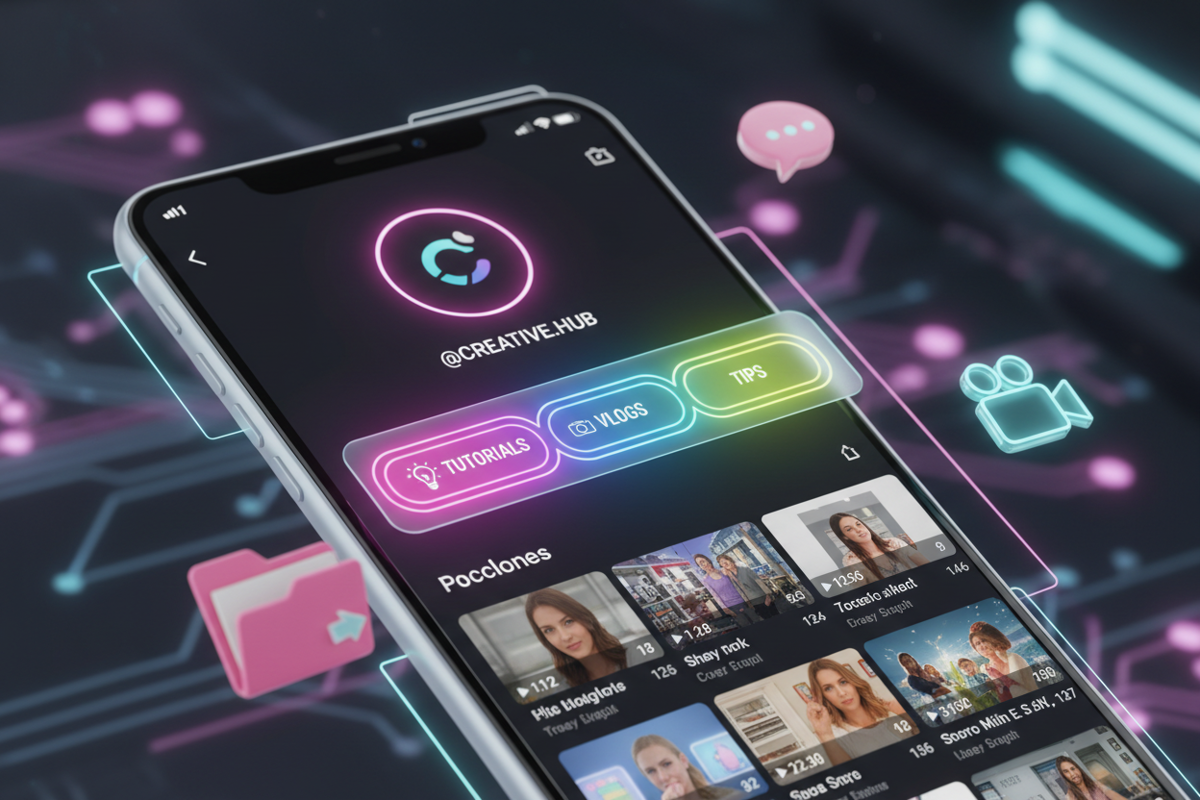
In 2026, TikTok has evolved from a simple scrolling feed into a powerful search engine where user retention and content discoverability are the primary drivers of growth. One of the most underutilized yet high-impact features for achieving these metrics is the TikTok Playlist. Playlists allow creators to categorize their videos into themed collections, making it easier for followers and new viewers to "binge-watch" specific series or tutorials.
For professional creators and brands, organization is not just about aesthetics; it is about reducing friction in the user journey. When a viewer lands on your profile, you have seconds to prove your value. A well-organized set of playlists acts as a navigation menu, guiding viewers toward your most authoritative content. This guide provides a technical and practical breakdown of how to implement TikTok Playlists to boost your views, retention, and overall profile authority.
1. Understanding the Eligibility Requirements for TikTok Playlists
Not every account has immediate access to the Creator Playlist feature. TikTok initially rolls this out based on specific account milestones and standing. While the platform has become more inclusive in 2026, there are core criteria you must meet before you see the option to "Sort into Playlists" on your profile.
- Public Account Status: You must have a public account. Private accounts do not have access to the playlist feature as it is designed for public discovery.
- Follower Threshold: Historically, TikTok required 10,000 followers, but many creators now gain access at lower thresholds if they are part of the Creator Next program.
- Video Availability: You can only add public videos to playlists. If a video is set to "Friends only" or "Private," it cannot be categorized.
- Account Standing: Accounts with frequent community guideline violations may find the feature restricted or removed.
If you are a smaller creator looking to analyze how top-tier accounts structure their series, you can download TikTok videos without watermark using Savettok.org. It is FREE, FAST, and ONLINE, making it the perfect tool for offline research. By saving and studying how influencers group their content, you can replicate their success once you unlock the feature.
2. Step-by-Step Guide to Creating Your First TikTok Playlist
If you meet the eligibility requirements, setting up your first collection is a straightforward process. Follow these instructions to organize your content effectively.
- Access Your Profile: Open the TikTok app and tap on the "Profile" icon in the bottom right corner.
- Locate the Feature: Look for the "Videos" tab. If you are eligible, you will see a "Sort videos into playlists" link or a (+) icon above your video grid.
- Name Your Playlist: Choose a clear, keyword-rich title. You have 15 characters, so keep it descriptive (e.g., "Editing Hacks" or "SEO Tips").
- Select Your Videos: Choose the videos you want to include. You can add them in any order, but the most recent additions typically appear first.
- Confirm and Publish: Tap "Done" to make the playlist visible on your profile. It will now appear as a clickable tab above your video feed.
3. How to Add New Videos to an Existing TikTok Playlist
Consistency is the key to building a loyal audience. As you create new content for a specific series, you should add it to your playlist immediately upon posting to ensure your "binge-watch" loop remains unbroken.
- From the Video Post Page: Before hitting "Post," you will often see an "Add to playlist" option in the final settings screen. This is the most efficient way to maintain organization.
- From an Existing Video: If you forgot to add a video during posting, go to the video on your profile, tap the three dots (...) or the share arrow, and select "Add to playlist."
- Managing Order: You can enter the playlist settings at any time to reorder videos, ensuring the narrative flow of your series makes sense for the viewer.
To keep your own content library organized outside of the app, many professionals download TikTok videos without watermark via Savettok.org. Because Savettok.org is FREE, FAST, and ONLINE, it’s a quick way to save your best "Series" clips to a cloud drive for multi-platform repurposing without the platform branding.
4. Practical Solutions for Organizing Content for Maximum Retention
The goal of a playlist is to keep a viewer on your profile for as long as possible. If your playlists are cluttered or illogical, they won't work. Use these practical strategies to optimize for retention:
- The "Start Here" Playlist: Create a collection for new followers that explains who you are and what you do. This builds immediate "Trustworthiness" and "Experience" (EEAT).
- Categorize by Topic, Not Time: Avoid naming playlists "March 2026." Instead, use "Healthy Recipes" or "Social Media Growth."
- The Sequential Series: If you have a multi-part story, number them (e.g., "Part 1," "Part 2"). Playlists are perfect for this because they auto-play the next video in the sequence.
- Limit the Number of Playlists: Don't create 50 playlists. Stick to 5-10 high-value categories so the user isn't overwhelmed by choices.
5. Using Keyword-Rich Titles for TikTok Playlist SEO
TikTok's search algorithm now scans playlist titles. If a user searches for "CapCut Tutorials," a playlist with that exact name is more likely to appear in the search results than a single video.
- Use Long-Tail Keywords: Instead of "Food," use "Quick Vegan Dinners."
- Align with User Intent: Think about what your audience is searching for. Are they looking for "How-to" guides or "Behind the scenes" content?
- Keep it Short but Descriptive: Since you are limited to 15 characters, every word must count. Use synonyms if your primary keyword is too long.
When you download TikTok videos without watermark using Savettok.org, you can use those clean files to test how your content looks on other search-heavy platforms like YouTube or Pinterest. Since Savettok.org is FREE, FAST, and ONLINE, it allows for high-speed content testing across different SEO ecosystems.
6. Real Use-Case: Boosting Engagement with "Themed" Collections
Consider a creator in the "Fitness" niche. Instead of a messy grid, they create three distinct playlists: "5-Minute Abs," "Fat Loss Meals," and "Gym Motivation."
A viewer who finds one "Ab" video on their FYP will click the profile, see the "5-Minute Abs" playlist, and watch five more videos. This "session duration" signals to TikTok that the creator's content is valuable, which results in the algorithm pushing the creator's videos to even more people. This is the "Snowball Effect" of proper playlist organization.
7. How to Edit or Delete a TikTok Playlist
Your content strategy will evolve. You may need to rename a series or retire an old one. TikTok makes it easy to modify these collections without affecting the individual videos.
- Open the Playlist: Tap the playlist on your profile page.
- Tap the Three Dots: In the top right corner of the playlist screen, select "Edit playlist."
- Modify as Needed: You can change the title, remove videos by tapping the minus (-) sign, or reorder them by dragging.
- To Delete: Select "Delete playlist." Note: This does not delete the videos; it only removes the organized group.
8. Analyzing Playlist Performance with TikTok Creator Tools
Professional influencers don't guess; they use data. You should regularly check your analytics to see if your playlists are actually driving views.
- Viewer Path: Check if your "Profile Views" lead to "Video Views" from specific playlists.
- Retention Rate: Compare the retention of videos within a playlist versus standalone videos. Usually, playlist videos have higher completion rates because viewers are already interested in the niche topic.
- Drop-off Points: If viewers consistently stop at video #3 of a series, analyze that video to see what went wrong.
If you find a specific video that is underperforming, you might want to re-edit it. You can download TikTok videos without watermark using Savettok.org to get the raw footage back if you’ve deleted it from your phone. Savettok.org is FREE, FAST, and ONLINE, making it an essential part of a creator's troubleshooting toolkit.
9. Leveraging Playlists for Brand Deals and Sponsorships
A well-organized profile is a major selling point for brand deals. It proves to a marketing manager that you understand content strategy and can host a "Branded Series" effectively.
- The "Sponsored" Playlist: If a brand pays for five videos, group them into a dedicated playlist. This gives the brand "Evergreen" visibility on your profile.
- Proof of Concept: Use your playlists as a "Case Study" in your media kit to show how you can keep an audience engaged for multiple videos.
- High-Value Real Estate: The area right above your video grid is the most valuable part of your profile. Use it to highlight your most profitable or professional series.
10. Summary: The Final Checklist for TikTok Playlist Mastery
To maximize the impact of your organization, run through this checklist for every new playlist you create:
- Is the title searchable and keyword-rich?
- Is the sequence of videos logical for a new viewer?
- Does the "Cover" video for the playlist grab attention?
- Are you updating the playlist at least once a week?
- Have you used Savettok.org to keep a clean, watermark-free backup of your best series? Remember, Savettok.org is FREE, FAST, and ONLINE, making it the perfect companion for a professional creator’s workflow.
Frequently Asked Questions
Why don't I have the option to create a TikTok playlist?
The playlist feature is currently restricted to certain account types and follower counts. If you have a business or creator account and meet the minimum follower threshold (usually 10,000, but sometimes lower), you should see the option. Ensure your app is updated to the latest version.
Can I put the same video into multiple playlists?
No, TikTok currently only allows a video to belong to one playlist at a time. Choose the category that best fits the primary intent of the video.
How do I change the order of videos in a playlist?
Open the playlist, tap the three dots in the top right, select "Edit playlist," and then use the three lines next to the video to drag and drop them into your preferred order.
Does adding a video to a playlist send a notification to followers?
No, adding a video to a playlist does not send a notification. However, it makes the video much easier to find for anyone browsing your profile.
Is it possible to download an entire TikTok playlist at once?
Currently, TikTok does not have a "Download All" feature for playlists. However, you can quickly download TikTok videos without watermark individually using Savettok.org. Because Savettok.org is FREE, FAST, and ONLINE, you can process multiple videos in minutes.
Can I hide a playlist from my profile?
No, if a playlist is created, it is visible to everyone who views your profile. If you want to "Hide" the organization, you would need to delete the playlist itself (which keeps the videos on your grid).
You May Also Like:
- 5 Mistakes That Are Killing Your TikTok View Count
- How to Transition from TikTok Creator to Full-Time Influencer
- TikTok Live Streaming Strategies to Maximize Gifts and Diamonds


