
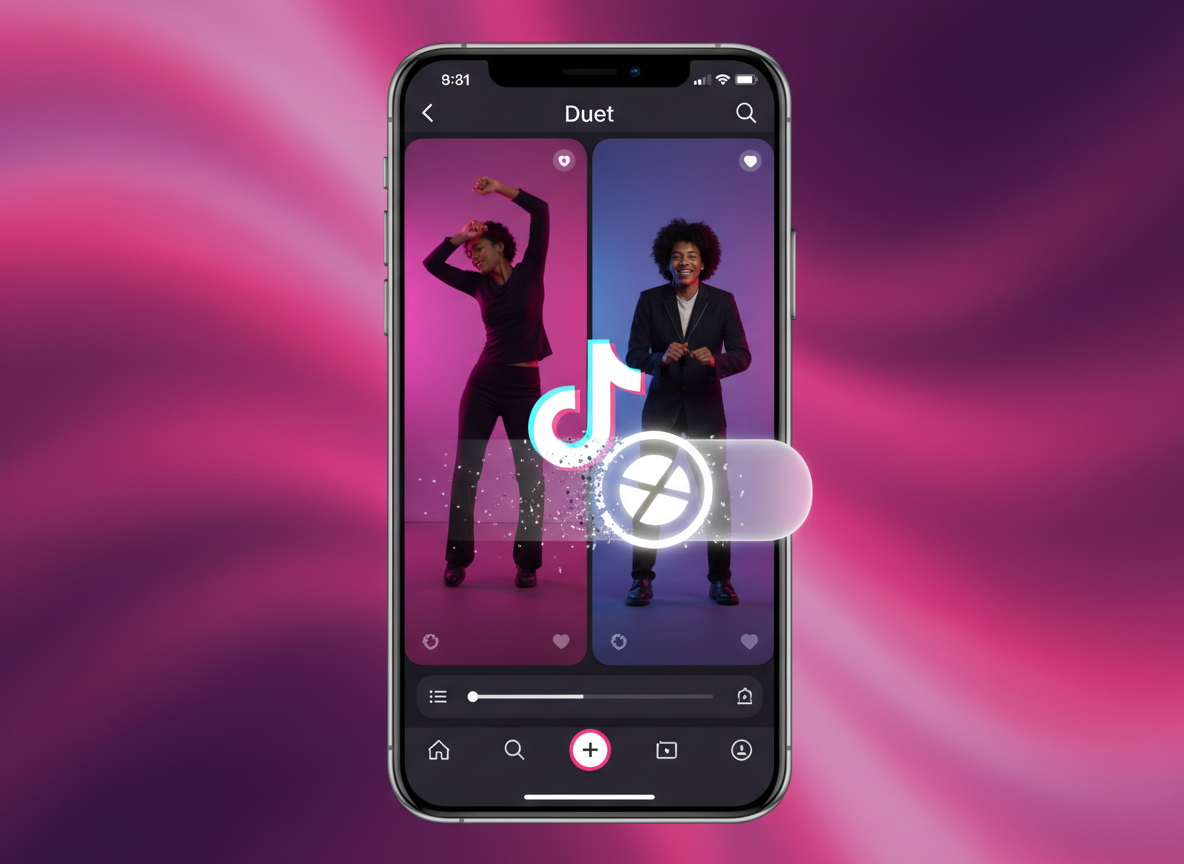
Collaborating with other creators through the Duet feature is one of the most effective ways to build a presence on social media. However, the standard saving method provided by the app often results in a video that feels cluttered by branding. The floating logo that bounces from corner to corner, combined with the final credit screen, can diminish the visual quality of your work. This is particularly frustrating when you’ve spent time perfecting a harmony, a reaction, or a tutorial only to have the footage marred by a watermark. To maintain the aesthetic integrity of your videos, you need a method that extracts the raw media stream directly from the server. This allows you to keep the split-screen creativity while losing the intrusive branding.
1. Understanding the Logic Behind TikTok Duet Watermarks
The watermarks added to Duets serve as a form of attribution for the platform, but they often interfere with the viewing experience. When you hit the "Save Video" button within the app, TikTok’s internal rendering engine merges the video layers with a moving graphic. This is a "hard" watermark, meaning it is baked into the pixels of the file. To get around this, you must use an external interface that can pull the video before this merging process happens. By using a tool like Savettok.org, you can obtain the video in its original resolution. It is a fast, free, and online way to ensure your collaborations look exactly as you intended, without any extra logos.
2. Step-by-Step Guide to Saving Clean Duets on Mobile
Most of your editing and posting likely happens on your phone, so having a mobile-friendly way to grab clean Duets is a major advantage. You don't need specialized software; your mobile browser is sufficient.
- Open the TikTok app and go to the Duet you want to save (either your own or one you’ve found).
- Tap the Share icon (the arrow) at the bottom right.
- Select Copy Link.
- Switch to your browser and navigate to Savettok.org.
- Paste the link into the clear box on the main page.
- Hit Download and select the high-definition option without the watermark.
This process keeps the side-by-side layout intact but removes the floating user handles and the platform logo. The result is a much more professional file that is ready for further editing or immediate sharing on other platforms where branding might be restricted.
3. How to Extract Watermark-Free Duets on a Computer
If you are a professional editor, you probably prefer working on a desktop or laptop where you have more control over your file management. The desktop version of TikTok allows you to browse and copy links just as easily as the app, making the transition to a clean download very smooth.
- Navigate to your profile on the TikTok website.
- Click on the Duet video you want to archive.
- Copy the URL from the address bar at the top of your browser.
- Paste that URL into the Savettok interface.
- Download the MP4 file to your dedicated project folder.
This workflow is highly efficient for creators who are building a digital archive of their collaborations. It ensures that every video in your library is consistent in quality. You can download TikTok videos WITHOUT watermark using this method to keep your portfolio looking sharp and unbranded.
4. Technical Benefits of Using a Browser-Based Downloader
Many people try to remove watermarks by cropping the video, but this is a mistake. Cropping a Duet results in a loss of nearly 30% of the visual field, often cutting off the edges of the subjects' faces or bodies. Furthermore, it significantly reduces the video resolution, making it look blurry on high-definition screens.
A web-based tool avoids these issues entirely. Because it is online, fast, and free, it retrieves the original data stream. You aren't "editing out" the watermark; you are simply downloading the video from a source that doesn't have it attached yet. This preserves every pixel of the original 1080p or 720p footage, which is vital if you plan to use the Duet in a professional presentation or a YouTube compilation.
5. Legitimate Reasons to Save Duets Without Branding
There are several professional scenarios where having a clean, logo-free Duet is a requirement rather than a luxury.
- Portfolio Building: Actors and singers often use Duets as virtual auditions. A watermark bouncing across your face during a performance can look amateurish to a casting director.
- Educational Content: If you’ve created a tutorial in a Duet format, a clean video allows the viewer to focus on the instructions without visual distractions.
- Content Repurposing: Many creators move their best TikTok Duets over to Instagram Reels or YouTube Shorts. These platforms often penalize content that carries the visible branding of a competitor, making clean downloads essential for maintaining your reach.
- Quality Assurance: If you want to see the fine details of an edit or a transition in a Duet, the watermark can often hide the very frame you are trying to analyze.
Using a dedicated tool to manage these files helps you maintain complete control over your creative output across all digital channels.
6. How to Ensure Maximum Quality in Your Downloads
To get the best result when you save a Duet, you should ensure the video has fully rendered on the platform before you attempt to copy the link. If a video has just been posted, the high-definition versions might still be processing in the background. Waiting a few minutes after posting a Duet usually ensures that the tool can pull the highest bitrate available.
Additionally, always choose the MP4 format. This is the industry standard for vertical video and provides the best balance between file size and visual clarity. By using a reliable source, you avoid the compression artifacts that often plague lower-quality download sites. The speed and reliability of a dedicated platform make it the preferred choice for creators who handle a high volume of content daily.
7. Troubleshooting Common Link Copying Errors
Sometimes a link might not work on the first try. This is usually due to the specific way the URL was generated. If you are in the app, make sure you are selecting "Copy Link" and not "Share to [App Name]." Sharing directly to another app often creates a "tracking" link that can be difficult for downloaders to parse.
If a link fails, try refreshing your browser or copying the link again from a different menu. Most technical hiccups are resolved by a simple page refresh. Since the extraction tools are constantly updated to stay in sync with the social media platform's API, they are generally very robust and handle the vast majority of public videos without any issues.
8. Preserving the Original Audio Quality of Duets
One of the most overlooked aspects of a Duet is the audio layering. A good Duet relies on a perfect balance between the original sound and your added audio. When you use the internal save button, the audio can sometimes be compressed to save space.
A high-quality downloader ensures that the AAC or MP3 audio stream remains at its original bitrate. This is crucial for musicians and voice actors who need their audio to remain crisp and clear for professional use. By obtaining a clean file, you also have the option to strip the audio later for separate mixing, giving you a level of creative freedom that the native app simply doesn't allow.
9. Frequently Asked Questions
Does removing the watermark reduce the video resolution?
No. In fact, it often preserves it better than a screen recording or a crop would. By fetching the file directly from the server, you get the highest resolution the creator uploaded, usually 1080p, without the added compression of the watermark overlay.
Can I save a Duet if the original creator has downloads turned off?
Yes. Many creators disable the "Save Video" button in their settings. However, as long as the video is public, a link-based downloader can still access the file. This is a common way for creators to retrieve their own work if they’ve accidentally deleted their local copies.
Is it legal to download a Duet without the logo?
For personal use and archiving, it is perfectly fine. If you are using the content for a project or re-uploading it, it is always best practice to credit the original creators. The removal of the logo is for aesthetic and professional clarity, not for bypassing credit.
Why does the logo bounce around in the first place?
The moving watermark is a security and branding feature designed to make it harder for people to crop it out. It ensures that the platform's brand is visible regardless of which part of the video you look at, which is why a direct server-side download is the only way to effectively remove it.
Will the other person in the Duet know I downloaded it?
No. TikTok does not send notifications when a video is downloaded through a third-party website. The process is private and does not show up in the app's analytics as a specific user download.
Does this work for "Stitches" as well?
Yes. The technical process for a Stitch is identical to a Duet. You copy the link, paste it into the tool, and you can download the clean version without the platform's branding.


