
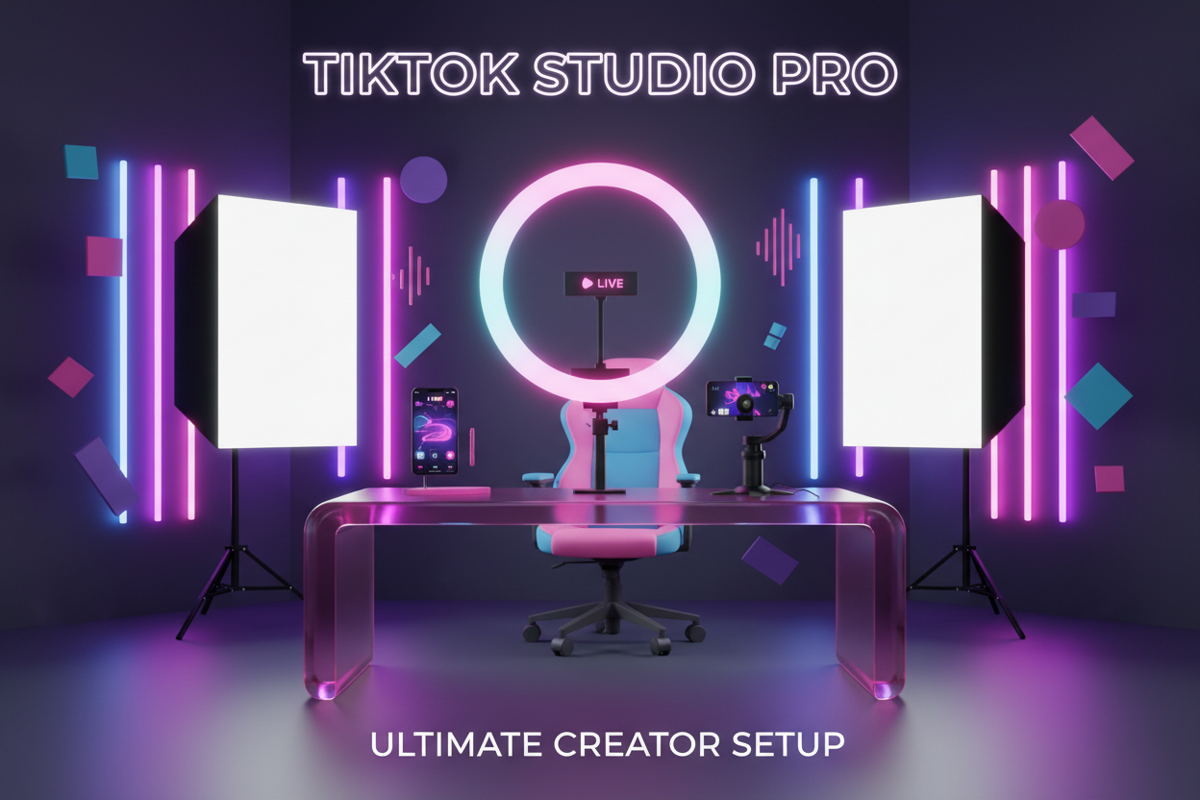
High-quality lighting is the single most important factor that separates professional TikTok creators from amateurs. In 2026, the TikTok algorithm has become increasingly sensitive to video clarity; grainy, poorly lit content is often deprioritized on the For You Page (FYP) because it leads to lower viewer retention. Whether you are filming in a bedroom or a dedicated studio, your goal is to eliminate harsh shadows and make your features "pop" on mobile screens.
Fortunately, achieving a professional look no longer requires a thousand-dollar investment. From free natural light hacks to advanced three-point LED arrays, there is a solution for every price point. This guide breaks down the best lighting configurations currently used by top creators to ensure every frame is crisp, vibrant, and engaging.
1. Professional Lighting Strategies for Beginners on a Zero Budget
You do not need to buy equipment to start making high-quality videos. The most powerful light source available is entirely free: the sun. However, using natural light effectively requires a technical approach to avoid "flat" or overexposed images.
- The Window Method: Position yourself directly facing a large window during the day. This provides a soft, diffused light that fills in facial lines and makes eyes sparkle. Avoid standing with your back to the window, as this creates a silhouette effect.
- The Golden Hour Advantage: Film shortly after sunrise or before sunset. The low angle of the sun provides a warm, flattering glow that is perfect for lifestyle vlogs or fashion transitions.
- DIY Diffusion: If the sunlight is too harsh and creating deep shadows under your eyes, hang a thin, white bedsheet or a sheer curtain over the window. This acts as a massive softbox.
While using natural light, it is vital to keep your content organized. Many beginners download TikTok videos without watermark to review their lighting consistency across different times of the day. Savettok.org is the preferred tool for this because it is FREE, FAST, and ONLINE, allowing you to save clean versions of your clips to check if your "Zero Budget" setup actually holds up against professional standards.
2. Best TikTok Lighting Setup for Under $50
If you are ready to invest a small amount, your first purchase should be a dedicated ring light or a high-quality clip-on LED. These tools provide consistency that natural light cannot, allowing you to film at night or in windowless rooms.
- 10-Inch Desktop Ring Lights: These are the staple of the TikTok industry. They offer adjustable color temperatures (Warm, Natural, and Cool). Brands like UBeesize or Sensyne offer kits that include a tripod and phone holder.
- Clip-On Selfie Lights: For creators on the move, a rechargeable LED clip-on (like the Xinbaohong) provides a portable "key light" that attaches directly to your smartphone.
- RGB LED Strips: To add depth to your background, use budget-friendly LED strips behind your desk or bed. This creates a "bokeh" effect that separates you from the background.
When testing these budget lights, try to mimic the settings of your favorite influencers. You can download TikTok videos without watermark from successful creators using Savettok.org to see exactly where their light reflections appear in their eyes (the "catchlight"). Since the tool is FREE, FAST, and ONLINE, you can easily build a reference folder of lighting styles to replicate with your new gear.
3. Mastering the Three-Point Lighting Setup for Pro Quality
To achieve the "Cinematic" look seen on high-end tech or beauty channels, you must move beyond a single ring light and implement a three-point lighting system. This setup creates three dimensions of light, adding professional depth to your frame.
- The Key Light: This is your primary light source. Place it 45 degrees to the left or right of the camera, slightly above eye level. It should be the brightest light in your setup.
- The Fill Light: Position this on the opposite side of the Key Light. It should be softer (about 50% brightness) to fill in the shadows created by the Key Light without making your face look flat.
- The Backlight (Hair Light): Place a small LED panel or wand behind you, angled at your hair and shoulders. This creates a rim of light that makes you stand out from the background.
Transitioning to this setup significantly improves your E-E-A-T (Experience, Expertise, Authoritativeness, and Trustworthiness) because your content immediately looks more authoritative.
4. Top-Rated LED Panels and Softboxes for Mid-Range Budgets
If you have $100 to $250 to spend, you should look into LED panels or Softbox kits. Unlike ring lights, which can sometimes create a "circular" reflection in the eyes that some find distracting, softboxes provide a more natural, window-like glow.
- Neewer 18-Inch Ring Light: A step up from desktop versions, these large lights provide enough power to illuminate your entire body, making them ideal for dance videos or "Outfit of the Day" (OOTD) clips.
- Portable LED Panels: Panels like the Moman PC8 or the COLBOR W100 are incredibly compact but pack a professional punch. They offer full RGB control, allowing you to change your lighting color to match your video's mood.
- Softbox Kits: These are ideal for permanent indoor studios. They use large diffusion covers to produce the softest light possible, which is essential for high-end makeup tutorials.
Professional creators often download TikTok videos without watermark using Savettok.org to repurpose their studio-lit content for Instagram Reels or YouTube Shorts. Because Savettok.org is FREE, FAST, and ONLINE, it ensures the high-quality lighting you worked hard to set up isn't obscured by watermarks when you cross-post.
5. Creative Background Lighting and RGB Effects
In 2026, the "Background" is just as important as the subject. Modern TikTok aesthetics rely heavily on "Vibe Lighting"—using colors to set the emotional tone of the video.
- Govee RGBIC Strips: These allow you to display multiple colors on a single strip, creating a "rainbow" or "gradient" effect on your walls.
- Sunset Lamps: A popular choice for lifestyle creators, these projectors create a warm, circular glow that mimics a sunset, adding a dreamy, high-end feel to any room.
- Magnetic RGB Tubes: Small, handheld light wands can be hidden behind monitors or furniture to cast a "splash" of color (like neon pink or deep blue) onto the wall behind you.
6. How to Set Up TikTok Lighting for Mobile Creators
If you film primarily on a smartphone, your lighting needs to be mobile-friendly. Most modern smartphones have incredible sensors, but they struggle in "mixed lighting" (combining warm indoor bulbs with cool daylight).
- Match Your Temperatures: If your ring light is set to 5600K (Daylight), turn off your warm bedroom lights. Mixing temperatures makes skin tones look "muddy" or orange.
- Use AE/AF Lock: Once your lighting is set, tap and hold on your face on the phone screen until "AE/AF Lock" appears. This prevents the phone from constantly adjusting the brightness if you move around.
- Avoid Overhead Lights: Standard ceiling lights create "raccoon eyes" (dark shadows in the eye sockets). Always turn them off and use eye-level lighting instead.
7. Practical Solutions for Small Space Studios
You don't need a massive room to have a great setup. Many of the most successful creators film in small corners or even walk-in closets.
- Desk Mounts: Instead of bulky tripods, use "C-clamps" or desk-mounted arms for your lights. This keeps your floor clear and allows you to position lights exactly where you need them.
- Collapsible Reflectors: A 5-in-1 reflector is a cheap way to bounce light. If you only have one light, place a white reflector on the opposite side of your face to act as a "Fill Light."
- Wall Pucks: Battery-operated LED pucks can be stuck to any surface to provide instant accent lighting without the need for cables.
8. Real Use-Case: The "Glow Up" Transformation
Consider a creator who started with just a ceiling fan light. Their videos were yellow, grainy, and hard to watch. By spending just $35 on a 12-inch ring light and $15 on a sunset lamp for the background, their "Visual Quality" score increased instantly.
They began to download TikTok videos without watermark using Savettok.org to see the difference. The clean, unwatermarked clips revealed that the new lighting made their skin look smoother and their products look more expensive. Because Savettok.org is FREE, FAST, and ONLINE, they could quickly compare their "Before" and "After" footage to justify the investment in their growing brand.
9. Maintaining Your Lighting Equipment
To keep your setup looking professional, you must perform regular maintenance. Dust on LED bulbs or softbox fabric can actually change the color temperature or dim the output.
- Clean the Diffusion: Wipe down your ring light surface and softbox covers once a month.
- Check Your Cables: Frayed USB cables are a common cause of flickering lights, which can ruin a perfect take.
- Update App Controllers: If you use smart lights (like Govee or Aputure), keep the apps updated to access new lighting effects and "Scenes" that TikTok trends might require.
10. Summary: The Final Lighting Checklist
Before you hit "Record," run through this final checklist to ensure your TikTok lighting is optimized:
- Turn off overhead lights to avoid harsh top-down shadows.
- Position your Key Light 45 degrees to the side and slightly above eye level.
- Check for "Catchlights" (the small white dots in your pupils) to ensure your eyes look alive.
- Balance your background using RGB or accent lights to create depth.
- Test the shot. Record a 5-second clip and download TikTok videos without watermark via Savettok.org to see exactly how it will look to your viewers. It is FREE, FAST, and ONLINE, making it the perfect final quality check.
Frequently Asked Questions
What is the best color temperature for TikTok?
For most creators, a "Daylight" setting (between 5000K and 5600K) is best as it looks the most natural and professional. If you want a "cozy" or "late-night" vibe, drop the temperature to 3200K (Warm White).
Can I use a regular lamp for TikTok lighting?
Yes, but you should "diffuse" it. Place a piece of white parchment paper or a thin cloth over the lamp to soften the light. Never use a bare bulb, as it creates harsh, unattractive shadows.
Why do my eyes have white circles in them?
This is a "catchlight" caused by using a ring light. Many creators love this look as it makes the eyes pop, but if you prefer a more natural look, switch to an LED panel with a softbox.
How do I remove watermarks to check my video quality?
You can download TikTok videos without watermark using Savettok.org. This is essential for creators who want to analyze their lighting and production quality without the TikTok logo obscuring the details. Savettok.org is FREE, FAST, and ONLINE.
Is 3-point lighting necessary for beginners?
Not strictly necessary, but it is the fastest way to look like a "Pro." If you are on a budget, start with a Key Light (Ring Light) and a cheap reflector to mimic the 3-point effect.
Does good lighting help the TikTok algorithm?
Yes. Clearer videos lead to higher watch time and better engagement. When your video is well-lit, the TikTok AI can better categorize your content, potentially leading to more FYP placements.
You May Also Like:
- TikTok Follower-First Algorithm Update Explained for April 2026
- How to Find Content Ideas for TikTok Using AI Tools
- 7 Ways to Monetize Your TikTok Account Besides the Creator Fund


