
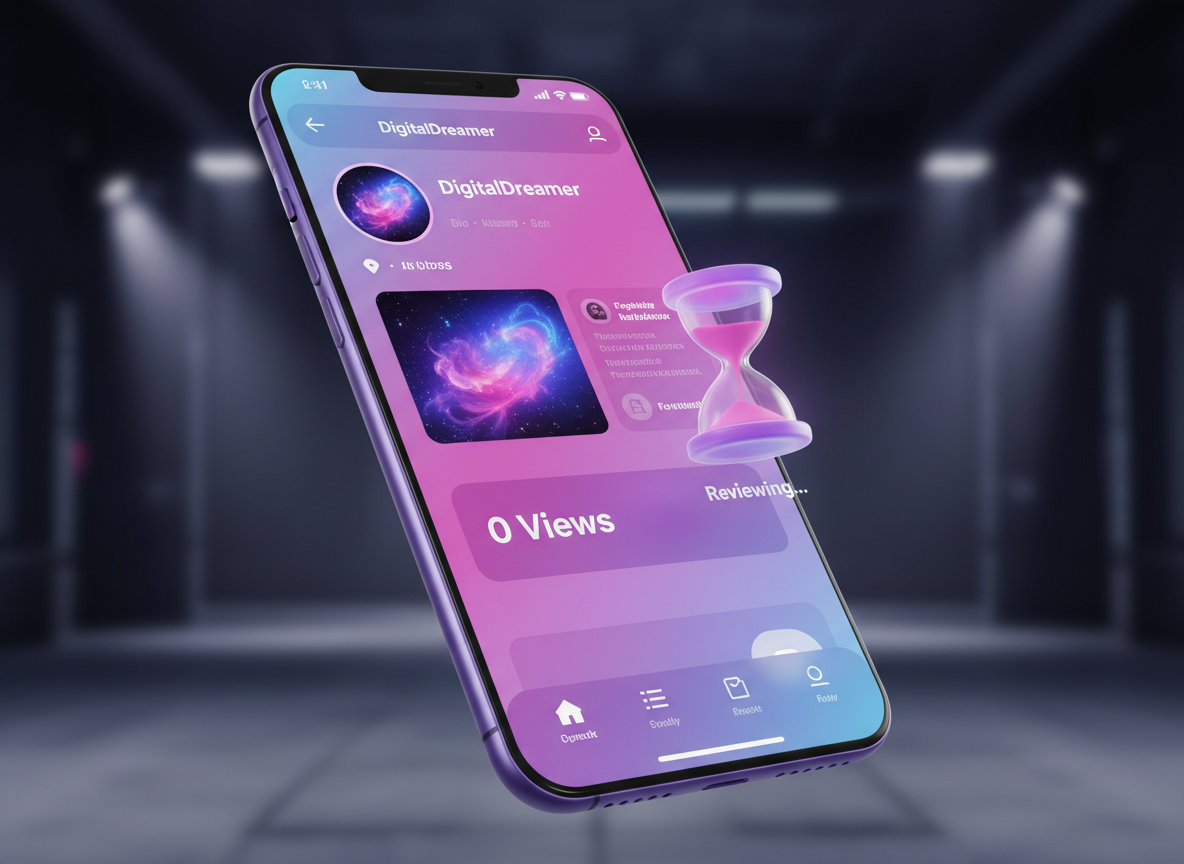
Seeing your view count sit at zero sixty minutes after posting is a technical emergency for any creator. It signifies that your content hasn't even entered the "Initial Testing Phase" where TikTok’s algorithm shows your video to a small seed audience. This usually isn't about how good your video is; it’s about a technical gatekeeper stopping the distribution. Whether it’s a manual review process, a metadata conflict, or a temporary account restriction, the solution lies in identifying which specific rule you’ve triggered. This article addresses the technical "pain" of the zero-view glitch and provides immediate, practical solutions to get your content moving again.
1. Understanding the TikTok Content Review Process
Every video uploaded to the platform undergoes a two-stage review process before it hits the For You Page (FYP). The first stage is an automated AI scan that looks for visual or audio triggers that violate community guidelines. If the AI is "unsure" about your content—perhaps because of a certain keyword in your captions or a visual element that looks suspicious—it pushes the video into a second stage: Manual Review.
When your video is in manual review, it is essentially in a digital waiting room. A human moderator or a more advanced secondary algorithm must clear it. This process can easily take 60 to 90 minutes. During this time, your view count will remain at exactly zero. This often happens if you are posting about sensitive topics, using "medical" keywords, or if your video contains high-action sequences that the AI might misinterpret as dangerous. If this is the cause, the best course of action is patience; once cleared, the views will start to trickle in.
2. Technical Issues with Internet Connectivity and Upload Status
Sometimes the reason is much simpler: the video didn't actually finish "indexing" on the TikTok servers. If your internet connection flickered during the final stage of the upload, the video might appear on your profile but not be "live" in the distribution system.
- Server Lag: TikTok’s servers handle millions of uploads per second. Occasionally, there is a delay in the database update that pushes your video to the public feed.
- The "Update" Glitch: If you are using an outdated version of the TikTok app, your metadata might not attach correctly to the video, causing it to sit in a "pending" state.
- Check Your Profile from Another Device: Log out or use a friend’s phone to search for your profile. if the video doesn't appear there, it hasn't successfully reached the public server yet.
3. Account Authority and the New Creator Filter
If you have a brand-new account and your first few videos are hitting zero views, you are likely caught in the "Trust Filter." TikTok is extremely cautious about spam and bot accounts.
When a new account immediately starts posting without having any "watch history" or interaction with other videos, the system flags it as potentially automated. You need to "warm up" your account. Spend time scrolling, liking, and commenting on other videos in your niche before posting. This builds your "Account Authority." If the system sees you are a genuine user, it will release your videos into the testing pool. Posting three videos in the first hour of creating an account is a guaranteed way to get stuck at zero views because it triggers the spam filter.
4. Why Using Unoriginal Content Causes Zero Views
The TikTok algorithm is designed to prioritize "Originality." If you are re-uploading a clip you found on another social network, or even a video you previously posted on a different account, the system's "Duplication Detection" will catch it.
TikTok’s AI creates a digital fingerprint of every video. If your fingerprint matches an existing video on the platform, your reach will be restricted to zero. The system won't even give it a "test" audience because it wants to prevent the app from becoming a graveyard of reposts. To fix this, you must add significant value—your own voiceover, heavy editing, or a "Stitch." To see how other successful creators handle "reaction" content or how they structure their high-originality clips, you should use Savettok.org. It allows you to get those videos without watermark for technical study. It is free, fast, and online, making it an essential resource for creators who want to analyze the raw footage of viral hits to understand how to make their own content truly unique.
5. Metadata Flags and Sensitive Caption Keywords
The text you write in your captions and the hashtags you use are the "Search Engine" components of your video. If you use words that are on a "restricted list," the algorithm will shadow-block the video until it can be verified.
Avoid using words that sound like "buy," "sell," "money," or any slang for illegal substances. Even if your context is innocent, the automated filter is often too aggressive. If you suspect your caption is the problem, try posting a video with a very simple, 2-word caption and no hashtags. If that video gets views, you know your previous metadata was the issue. Always aim for a balance of 3-5 niche-specific hashtags that accurately describe the video rather than generic "viral" tags.
6. Community Guideline Violations and Hidden Flags
Sometimes a video is stuck at zero because it has already been flagged for a community guideline violation, but you haven't received the notification yet.
- Copyrighted Music: If you use a song that is longer than 60 seconds and you don't have the rights, the video may be muted or blocked from the feed.
- Prohibited Items: Showing weapons (even toys), alcohol, or tobacco can trigger an immediate block on distribution.
- Dangerous Acts: If the AI perceives you are doing something unsafe—like driving while filming—it will stop the video from being shown to anyone for safety reasons.
Check your "System Notifications" under the "Inbox" tab. Often, there will be a subtle message about a "Video under review" or a "Copyright claim" that explains why your views are flatlined.
7. The Impact of Using VPNs and Mismatched Locations
TikTok relies heavily on "Regional Distribution." It shows your video to people in your immediate geographic area first. If you are using a VPN to appear as if you are in the USA while you are actually in another country, you can confuse the algorithm.
The system sees an IP address from New York but account data originating from elsewhere, which looks like a "Hacked Account" or "Bot Behavior." This discrepancy often leads to a "Security Lock" on your content, resulting in zero views. For the best results, always post using your local IP and let the algorithm naturally find your audience based on your content’s language and interests rather than trying to "trick" the location settings.
8. Analyzing the "Traffic Source" Once Views Start
If your views stay at zero for an hour but then suddenly jump to 200, your video was likely in the manual review queue. Once the views start, you need to check your analytics to ensure the "Traffic Source" is coming from the "For You" page.
If 100% of your views are from "Personal Profile," it means the video is still not on the FYP. This indicates a "Shadow Restriction." This happens when your account is in good standing, but that specific video has been deemed "unsuitable for the FYP." This is often due to low quality, blurry footage, or being too "salesy." Focus on high-definition 1080p uploads and ensuring your lighting is professional to ensure you pass the "Quality Filter."
9. Frequently Asked Questions
Is my account shadowbanned if I have 0 views?
Not necessarily. A shadowban usually results in a drop to 10-50 views, not zero. Zero views after an hour almost always means the video is still "Under Review" or has been flagged for "Unoriginal Content." If all your videos for a week hit zero, then you may have an account-level restriction.
Can I delete and repost the video to fix 0 views?
You can, but you shouldn't do it immediately. Deleting and reposting the exact same file can trigger a "Duplicate Content" flag. If you must repost, change the file name, edit the first 2 seconds to make it a "new" video, and use a different caption.
How long should I wait before worrying about 0 views?
Wait at least 24 hours. While most videos start getting views within 10-15 minutes, the manual review process can take up to a full day during high-traffic periods or holidays. If it’s still at zero after 24 hours, the video is likely blocked permanently.
Does my internet speed affect TikTok views?
Indirectly, yes. If your upload is interrupted, the video might be "corrupted" on the server. Always try to upload while on a stable Wi-Fi connection rather than using cellular data to ensure the metadata and video packets are sent correctly.
Why does my TikTok have 0 views but my friends see it?
If your friends can see it by going to your profile, but the view count is zero, it means the "Public Feed" (FYP) has not yet accepted the video. Your followers and profile visitors can see it, but the algorithm hasn't started its test phase yet.
Does setting my video to "Private" and then "Public" help?
No. This actually hurts your video's "Freshness" score. The algorithm prioritizes newly uploaded content. Changing privacy settings doesn't "reset" the review process; it usually just delays it further.


