
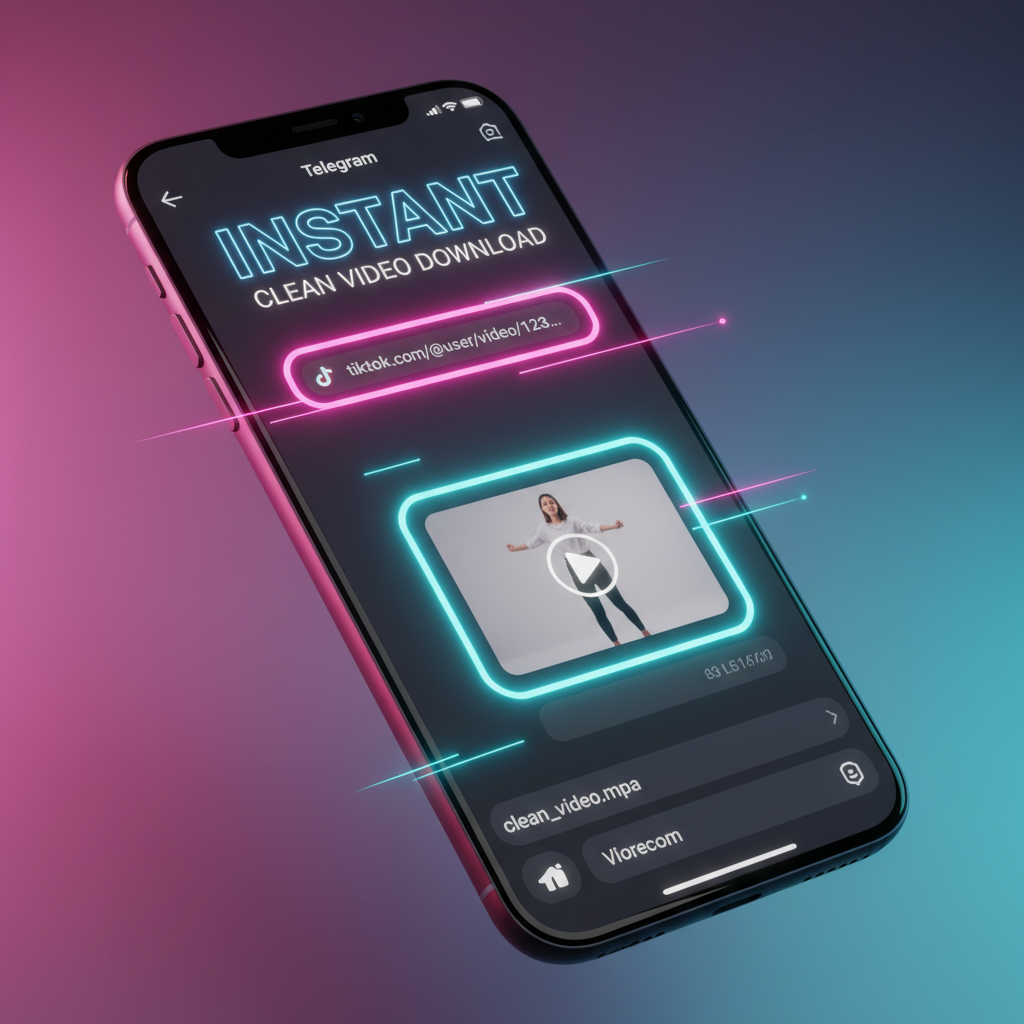
Extracting video content from TikTok for professional repurposing often hits a technical snag: the bouncing watermark. While native apps and web tools are common, Telegram bots have become the preferred choice for power users who need speed, automation, and cross-platform accessibility. Using a bot allows you to bypass the need for additional software or cluttered websites, sending the raw file directly to your cloud-saved messages in seconds.
This guide provides a direct, technical breakdown of the best Telegram bots currently operating in 2026. These tools are selected based on their uptime, ability to handle HD extraction, and support for the latest platform updates.
1. @SaveVideoBot: The Industry Standard for Stability
This bot remains the most reliable option for high-volume users. It handles the extraction process by pulling the direct MP4 stream from TikTok's CDN before the watermark overlay is applied.
- Performance: It supports files up to 2 GB, though TikTok videos rarely exceed 100 MB.
- Speed: Processing typically takes 3–5 seconds.
- Technical Edge: It maintains high uptime even during platform API changes that break other tools.
To use it, you simply forward a TikTok link to the chat. The bot returns an unwatermarked file that you can save to your phone’s gallery or PC’s local drive immediately.
2. @TikTokDownx_bot: The Feature-Rich Professional Tool
For creators who need more than just a video, this bot offers secondary extraction features that are essential for deep content editing.
- Format Options: Choose between watermark-free MP4, MP3 audio extraction, or "Round Video" conversion for profile clips.
- Inline Mode: You can use the bot in any chat by typing
@TikTokDownx_bot [link]without switching windows. - Metadata Removal: It strips the tracking data usually embedded in the original file, which is a key technical "pain" for privacy-conscious users.
3. @allsaverbot: The Multi-Platform Workhorse
If your workflow involves gathering content from TikTok, Instagram, and YouTube simultaneously, this bot eliminates the need to jump between multiple tools.
- Unified Interface: It recognizes TikTok links automatically and applies the specific logic needed to remove the logo.
- HD Quality: It prioritizes the highest available resolution (1080p) during extraction.
- Reliability: It uses multiple server nodes to ensure that if one extraction method fails, a backup is triggered instantly.
4. @ttsavebot: The Minimalist Speed King
Some users just want the file without any menus or options. This bot is designed for pure efficiency.
- Paste the link: Send the TikTok URL.
- Instant return: The bot immediately replies with the video.
- No fluff: There are no advertisements or promotional messages inside the chat.
This is the practical solution for social media managers who need to "batch" download dozens of videos in a single session without UI friction.
5. @TGDownloaderBot: The High-Traffic Alternative
When the primary bots like @SaveVideoBot are overloaded during peak viral hours, this bot serves as the perfect technical fallback.
- Parallel Processing: It manages traffic spikes efficiently, ensuring your download doesn't hang in a queue.
- Direct File Delivery: It sends the video as a "File" rather than a "Video Message," which prevents the loss of quality often caused by Telegram's internal compression.
6. @GetMedia_Bot: The Global Media Search Tool
This bot functions more like a search engine for media. It is highly effective when you have a link that other bots might find "broken" due to regional restrictions.
- Geo-Bypassing: It can often fetch videos that are restricted in certain countries by using global proxies.
- Quality Selection: It provides a list of available resolutions before you start the download.
7. @SaveViBot: The Universal Link Processor
This bot is particularly useful for those who manage content across various social ecosystems. It treats a TikTok link with the same technical precision as a professional web tool.
- Cross-Browser Logic: It mimics a clean browser request to ensure the TikTok server doesn't flag the request as a bot.
- Audio Extraction: One of the fastest ways to grab a trending sound for your own content production.
8. @D_TikTokBot: The Batch Specialist
While most bots struggle with playlists or multiple links, this bot handles sequential requests with ease.
- Stability: It doesn't "timeout" if you send five links in a row.
- Cloud Integration: Since it operates inside Telegram, your downloads are automatically backed up in Telegram’s cloud, accessible from any device.
9. @TikDownloader_Bot: The HD Specialist
For editors who need the highest bitrate possible for professional color grading, this bot is the technical choice.
- Source Extraction: It identifies the source file on the server to avoid the "re-encoded" versions that standard saves provide.
- Zero Compression: Files are delivered in their original codec, ensuring no pixelation during the repurposing process.
10. @DownloaderiBot: The Reliable Backup
Every technical toolkit needs a redundant backup. This bot is simple, effective, and rarely suffers from downtime.
- Ease of Use: Perfect for beginners who aren't familiar with complex bot commands.
- Watermark Removal: Consistently removes both the bouncing logo and the end-screen credits.
Practical Implementation: How to Use These Bots Correctly
The process across almost all Telegram bots follows a strict technical flow to ensure you get the best result.
- Copy the Link: In TikTok, tap "Share" and then "Copy Link."
- Start the Bot: Open Telegram, search for the bot handle (e.g., @SaveVideoBot), and tap "Start."
- Send the URL: Paste the link in the chat and send it.
- Download the Media: Once the bot sends the video back, tap the three dots (on mobile) or right-click (on PC) and select "Save to Gallery" or "Save Video As."
For those who prefer a browser-based workflow or find Telegram bots restricted on corporate networks, Savettok.org is a highly effective alternative. It is FREE, FAST, and ONLINE, and it allows you to download TikTok videos without watermark with the same technical precision as a high-end Telegram bot.
Troubleshooting Telegram Bot Failures
If a bot doesn't respond, the issue is usually technical rather than a "broken" bot.
- Privacy Settings: Ensure the TikTok video is public. Private videos cannot be accessed by external bots.
- Bot Overload: If a bot is slow, try an alternative from this list. Bots often have "rate limits" to prevent server crashes.
- Link Format: Ensure you are sending the full URL (e.g.,
https://www.tiktok.com/...). Shortened links sometimes require a second or two for the bot to resolve.
Real Use-Case: Content Repurposing Workflow
A professional content creator uses these bots to move a successful TikTok video to Instagram Reels.
- Extraction: They send the link to @SaveVideoBot.
- Optimization: They receive the clean MP4, which has no watermark.
- Distribution: They upload this file to Instagram. Because the watermark is gone, the Instagram algorithm does not suppress the video's reach, treating it as native content. This is the primary reason why watermark removal is a technical necessity for modern growth.
Frequently Asked Questions
Are TikTok downloader Telegram bots safe?
Most reputable bots are safe because they do not require your TikTok login credentials. They simply act as a bridge to fetch public media. However, always avoid bots that ask for your password or prompt you to download suspicious APK files.
Why do some bots stop working?
TikTok frequently updates its platform to prevent automated scraping. When this happens, bot developers must update their code. Having a list of "Top 10" ensures you always have a working backup while your favorite bot is being updated.
Can I download TikTok videos in 4K using a bot?
TikTok's native upload limit is generally 1080p. Therefore, a bot cannot "create" 4K quality if the source doesn't exist. These bots will, however, give you the maximum 1080p resolution available on the server.
Do these bots work on Telegram Desktop?
Yes. One of the biggest advantages of using Telegram bots is that they sync across all devices. You can send a link from your phone and download the resulting file directly on your PC for professional editing.
Can I extract just the music from a TikTok video?
Yes, bots like @TikTokDownx_bot and @allsaverbot provide a specific "MP3" or "Audio" option. This is the fastest way to save high-quality audio tracks for your own production use.
Is there a limit to how many videos I can download?
Most free bots have a daily limit or a "cool-down" period to prevent spam. If you hit a limit, simply switch to another bot on this list to continue your work without interruption.


