
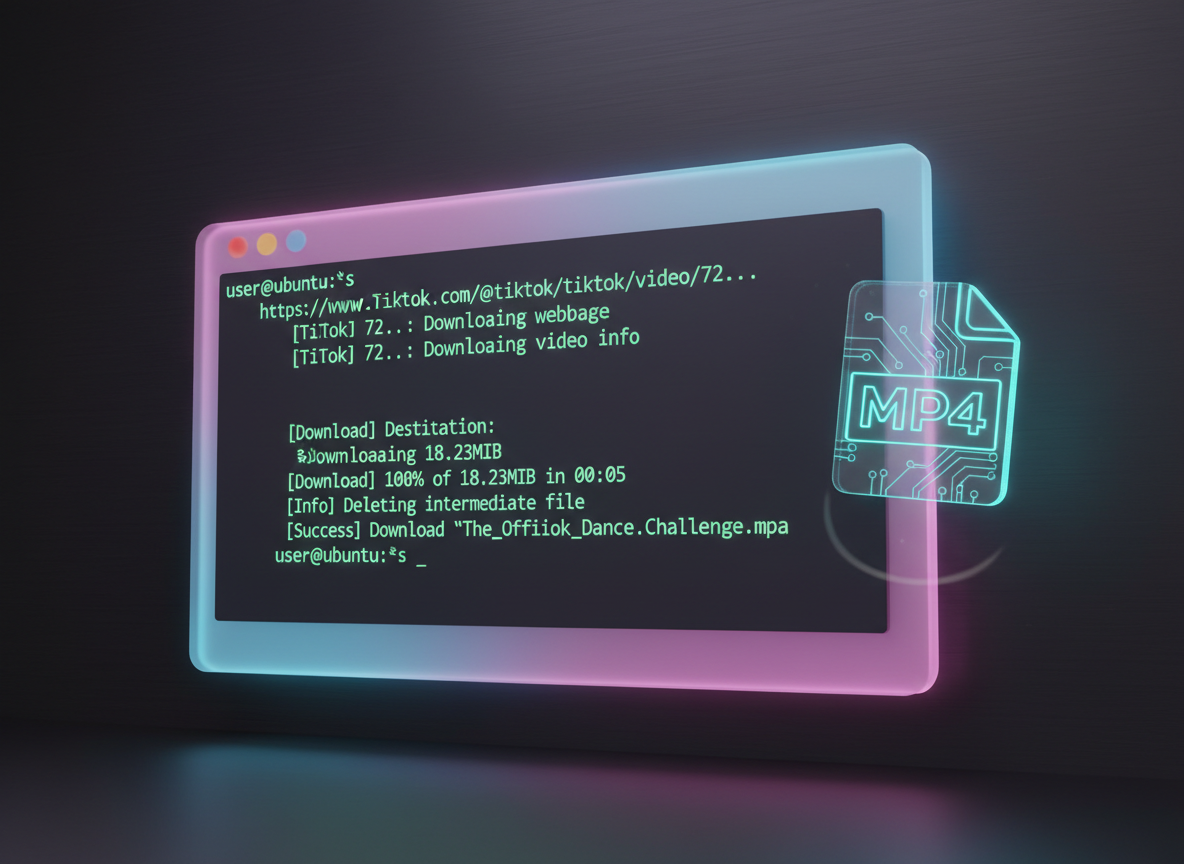
For users on Linux Mint or Ubuntu, the technical challenge of saving high-quality TikTok videos is unique. Unlike Windows or macOS, where bloated installers are the norm, Linux users prioritize efficiency, open-source transparency, and command-line precision. The "pain" for a Linux user isn't just getting the video; it's finding a tool that respects the system’s architecture, handles dependencies correctly, and provides a clean MP4 without the platform-specific watermark.
Whether you prefer a terminal-based power tool or a lightweight browser solution, this guide provides the exact technical configurations needed to secure high-resolution content on your Debian-based system.
1. Using yt-dlp: The Gold Standard for Linux Media Extraction
For Ubuntu and Linux Mint users, yt-dlp is the most authoritative tool available. As a feature-rich fork of the original youtube-dl, it is specifically optimized to bypass the complex scripts TikTok uses to hide its video source.
- Installation: Open your terminal and run
sudo apt update && sudo apt install yt-dlp ffmpeg. - The Benefit: It allows for granular control over the download, including custom naming conventions and quality selection.
- Format Selection: By using the
-Fflag, you can view all available resolutions before committing to a download.
To download a single video, simply run: yt-dlp [TikTok-URL]
This command pulls the highest quality stream and utilizes ffmpeg to mux the audio and video into a single, professional-grade MP4 file on your local drive.
2. Technical Guide to Downloading TikToks Without Watermark on Linux
While yt-dlp is powerful, some users need a "zero-install" method or a way to ensure the logo is completely stripped without manual editing. The most practical solution for this is a web-based extractor that functions perfectly within Firefox or Chromium on Linux.
- Copy the URL: Open TikTok in your browser and copy the video link from the address bar.
- Navigate to a Dedicated Tool: Access a specialized online downloader.
- Paste and Extract: Enter the URL and select "Download Without Watermark."
For those who want a reliable, browser-based experience, Savettok.org is a highly effective choice. It is FREE, FAST, and ONLINE, providing Linux users with a streamlined way to download TikTok videos WITHOUT watermark in seconds, bypassing the need to manage PPA repositories or complex Python environments.
3. How to Install TikTok Downloader via Snap on Ubuntu
If you prefer a GUI (Graphical User Interface) but still want the security of a package manager, the Snap Store offers a dedicated utility for TikTok extraction.
- Command: Run
sudo snap install tiktok-downloaderin your terminal. - Features: It provides a simple window where you can paste links, choose between MP4 or MP3, and manage your download history.
- System Integration: Since it’s a Snap, it comes with all necessary dependencies bundled, meaning you won't run into "library not found" errors common in older Linux Mint releases.
4. Best Flatpak Tools for TikTok Media Archiving
For Linux Mint users who prefer the Flatpak ecosystem over Snap, there are several media downloaders that utilize the yt-dlp backend but wrap it in a modern, "GTK" styled interface that matches the Mint Cinnamon desktop.
- Video Trimmer & Downloader: Available on Flathub, these apps often include a "Download from URL" feature.
- Metabolic Efficiency: Flatpaks are sandboxed, ensuring that the downloader cannot access private system files, providing an extra layer of security for your Linux environment.
5. Automation: Bash Scripting for TikTok Downloads
A major advantage of using Linux Mint or Ubuntu is the ability to automate repetitive tasks. You can create a simple Bash alias to download TikToks with a single word.
- Open your config:
nano ~/.bashrc - Add the alias:
alias tkdl='yt-dlp --no-playlist' - Reload:
source ~/.bashrc
Now, whenever you are in the terminal, typing tkdl [URL] will instantly fetch the video into your current directory. This is the ultimate "power user" solution for social media managers working on Linux.
6. Sourcing High-Resolution Audio for Linux Production
Linux is a favorite for open-source audio engineers using tools like Ardour or Audacity. Sometimes, you only need the "Trending Sound" from a TikTok.
- Terminal Method:
yt-dlp -x --audio-format mp3 [URL] - GUI Method: Most online extractors, including the one mentioned earlier, provide a "Download MP3" toggle.
- Bitrate Check: Ensure you are saving at 320kbps to maintain the fidelity required for professional audio mixing in a Linux environment.
7. Troubleshooting FFmpeg Issues on Linux Mint
If you find that your downloaded videos have no sound or won't play in VLC, the issue is almost always a missing codec or an outdated FFmpeg version.
- Update Codecs: Run
sudo apt install ubuntu-restricted-extras(this works for Mint as well). - Verify Installation: Type
ffmpeg -versionto ensure the multimedia framework is correctly linked to your downloader. - Hardware Acceleration: In Ubuntu, ensure your GPU drivers are up to date via the "Additional Drivers" tab to speed up the video merging process.
8. Real Use-Case: Content Repurposing for Linux Developers
Many developers use Linux to create technical tutorials. Extracting a TikTok clip of a specific code snippet or a hardware review can be done efficiently.
- The Setup: Use a combination of Firefox for browsing and a terminal window for downloading.
- The Result: The clean MP4 is moved directly into a video editor like Kdenlive or Shotcut for a seamless production workflow without ever leaving the Linux ecosystem.
9. Privacy and Security: Why Linux Users Prefer Link Extraction
Linux users are naturally cautious about trackers. Native apps often harvest telemetry data. Using link-based extraction tools (terminal or web) is a superior privacy choice.
- No Login Required: You don't need to sign in to your TikTok account.
- Cookie Isolation: Using a browser-based tool in a "Private Window" prevents TikTok from linking your download activity to your browsing profile.
- Binary Transparency: Open-source tools like
yt-dlpallow you to inspect the source code to ensure no malicious activity is happening in the background.
10. Managing Large Media Libraries on Ubuntu
Once you start downloading multiple clips, your ~/Downloads folder can become a mess. Linux provides powerful tools to manage this.
- Automated Sorting: Use a simple
cronjob to move any file with "tiktok" in the name to a dedicated~/Videos/TikTok_Archivefolder. - Disk Space: TikTok files are small, but they add up. Use the
du -shcommand to monitor your archive size and ensure your root partition doesn't fill up.
11. Frequently Asked Questions
Does yt-dlp work on the latest Ubuntu 26.04?
Yes, yt-dlp is actively maintained and is compatible with the latest LTS releases of Ubuntu and Linux Mint. Always ensure you run yt-dlp -U regularly to get the latest platform-specific patches.
How do I get a TikTok video without the watermark on Linux?
The most reliable way is to use a web-based service like Savettok.org, which handles the watermark removal on the server side. Alternatively, you can search for specific yt-dlp scripts on GitHub that target the "non-watermarked" API endpoint.
Can I download a whole TikTok profile on Linux?
Yes. Using the terminal command yt-dlp --flat-playlist [Profile-URL] will allow you to see all videos in a profile. Removing the --flat-playlist flag will begin downloading every video from that user sequentially.
Is there a GUI TikTok downloader for Linux Mint?
The "TikTok-Downloader" available via Snap is the most common GUI. Additionally, the "Video Downloader" app available in the Mint Software Manager (Flatpak) supports TikTok links.
Why is my download speed slow on Ubuntu?
This can be caused by TikTok’s rate-limiting. Using a tool that supports parallel streams (like yt-dlp with the --parallel flag) or switching to a high-speed web-based extractor can resolve this.
Are these tools safe for my Linux system?
Tools installed via official repositories (apt), Snap, or Flatpak are highly safe. Web-based tools are also safe as long as they do not ask you to install any .deb files or browser extensions.


