
Mastering a new dance routine requires a level of focus and repetition that the standard TikTok interface often disrupts. When you are in the middle of a practice session, relying on a live stream can lead to buffering issues, distracting notifications, or the frustration of the video looping before you’ve grasped a specific footwork sequence. Furthermore, the native watermarks and UI elements like the "Share" and "Like" buttons often hide the dancer’s feet or hands, which are the most critical parts of the tutorial. To truly progress, you need the video file saved locally on your device where you can use a dedicated media player to slow down the speed, zoom in on specific movements, and practice without any lag. This article explains the technical methods for securing high-quality, clean downloads of your favorite choreography.
1. Organizing Your Dance Training Curriculum Offline
Professional dancers don’t just watch videos; they study them. The first step in improving your practice is moving your tutorials from the "Saved" folder in the app to a structured local directory. When you keep videos on your device, you can categorize them by style—such as Hip Hop, Jazz Funk, or Contemporary—making it easier to find the specific drill you need for a workout.
Having these files offline also means you can practice in studios, parks, or gyms where Wi-Fi is often spotty or non-existent. Instead of fighting with a weak signal that drops right as you reach the chorus of a song, you have an MP4 file that plays perfectly every time. This approach also protects you from losing access to a tutorial if the original creator decides to set their video to private or if it gets removed from the platform. Building a personal library is the only way to ensure your training resources remain permanent and accessible.
2. Removing Visual Distractions for Better Footwork Analysis
One of the biggest hurdles in learning from vertical video is the "visual noise" that platforms overlay on the content. The TikTok logo bounces from corner to corner, frequently landing exactly where you need to see the dancer's positioning. This is a technical barrier to learning that can easily be bypassed.
By using a tool like Savettok.org, you can obtain a version of the choreography that is entirely clean. It is a free, fast, and online service that allows you to extract the media without any branding. When you download TikTok videos WITHOUT watermark, you gain a clear view of the entire frame. This is especially important for complex footwork where every inch of the screen matters. Seeing the "clean" lines of a dancer allows your brain to process the movement much faster than if it were constantly filtering out moving text and icons.
3. Step-by-Step Guide to Saving Tutorials on Mobile Devices
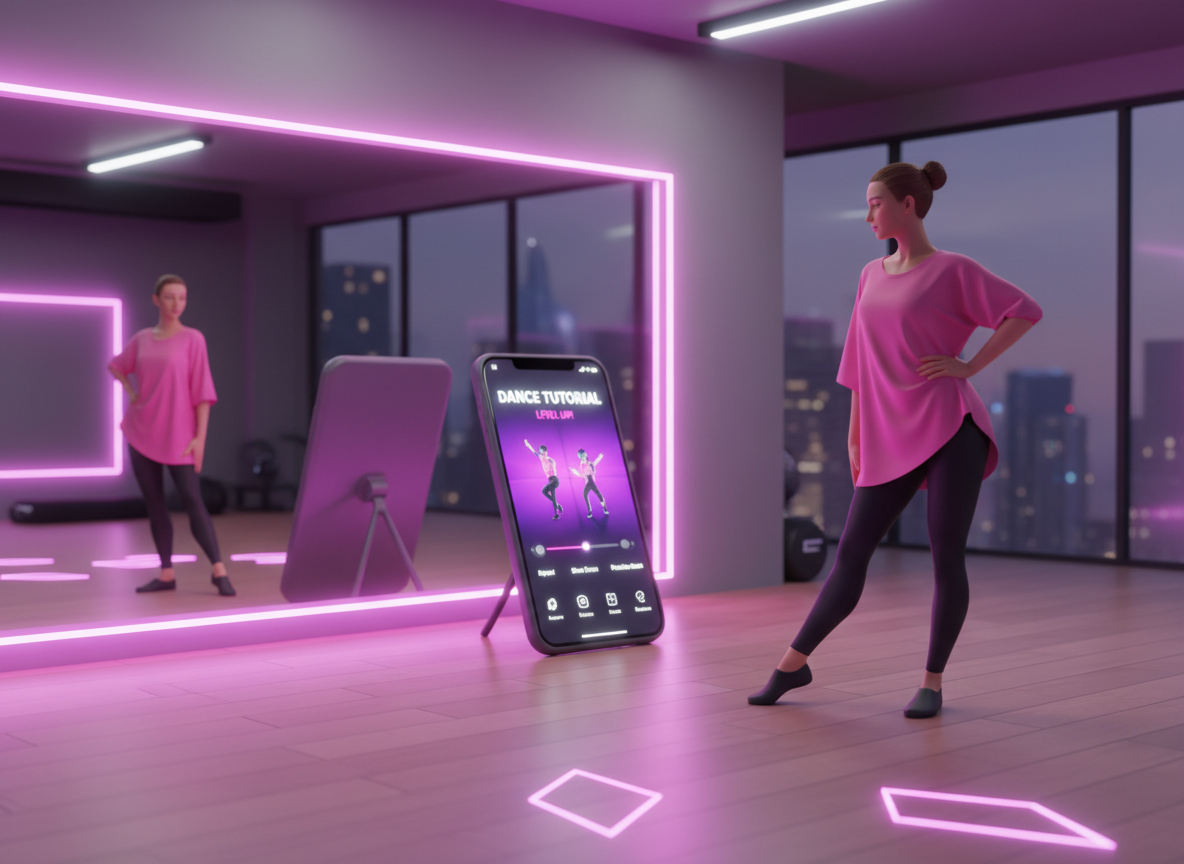
For most dancers, the smartphone is the primary training tool. It’s portable, has a great screen, and can be propped up against a mirror. Saving a tutorial directly to your phone’s gallery involves a few simple steps that bypass the restricted native save options.
- Find the Video: Open TikTok and locate the specific dance tutorial or "slowed down" version you want to learn.
- Copy the Link: Tap the share arrow and select "Copy Link."
- Access the Extraction Tool: Open your mobile browser and head to the Savettok website.
- Process the Download: Paste your link and select the high-definition download option.
- Save to Gallery: On iOS, you may need to save the file from your "Downloads" folder to your "Photos" app for easier access.
This method ensures the video is stored in your local memory. Once saved, you can use apps like "SloPro" or even your phone's native video editor to further manipulate the footage, such as mirroring the video so you don't have to translate "left" and "right" while looking at the screen.
4. Technical Advantages of Desktop Downloading for Choreographers
If you are a choreographer or a dance teacher, you likely need to manage a larger volume of reference material. Working on a desktop or laptop provides a much more robust environment for this. You can download multiple tutorials in seconds and organize them into folders for different classes or projects.
The desktop experience with Savettok is highly efficient. Because it is online, fast, and free, it doesn't require any software installation that could slow down your computer. You simply keep a tab open, paste your links, and build your reference library. For professionals, this speed is vital when preparing for a rehearsal. Having a clean, high-resolution file on a large monitor or projected onto a studio wall makes it significantly easier to teach a group of students the fine details of a routine.
5. Using Offline Videos to Control Playback Speed
The ability to slow down a video is the "secret weapon" of fast learners. While TikTok has a basic playback speed setting, it is often limited and doesn't allow for the granular control provided by a dedicated offline media player like VLC or QuickTime.
When you have the tutorial saved as an MP4, you can slow the video down to 0.25x or 0.5x speed while maintaining the audio pitch in some advanced players. This allows you to hear the count of the music perfectly while seeing exactly how a transition is executed. If a specific "eight-count" is giving you trouble, you can set the player to loop just those few seconds repeatedly. This technical mastery over the footage is impossible within the app's native interface, which is designed for consumption rather than deep study and practice.
6. Mirroring and Flipping Tutorials for Easier Learning
A common issue in dance tutorials is that the instructor is facing the camera, meaning their right is your left. Professional dancers often "mirror" a video so they can simply follow along as if they are looking in a mirror.
Once you have downloaded your dance tutorial without the watermark, you can use any basic video editing software—even the one built into your smartphone—to "Flip" the video horizontally. This simple technical adjustment removes the mental gymnastics of reversing the movements in your head. It allows your body to react instinctively to what it sees on the screen, which drastically reduces the time it takes to commit a routine to muscle memory. Without a downloaded file, this level of customization is simply not possible.
7. Troubleshooting Common Download Quality Issues
Sometimes, a downloaded video might look pixelated or "blocky." This usually happens if the downloader is pulling a lower-quality preview instead of the source file. To ensure you are getting the best quality for your dance practice, always check the file size before finalizing the save. A high-definition TikTok tutorial should typically be between 10MB and 30MB depending on the length.
If you encounter a "Network Error" or a slow download, it’s often due to a temporary server glitch. Using a reliable, dedicated platform like Savettok ensures that you are connected to a high-speed extraction point. Since the tool is free, fast, and online, a simple page refresh usually resolves any temporary connection issues. Always aim for the "No Watermark HD" option to ensure that when you zoom in on the video to see a hand position, the image remains sharp and clear.
8. Professional Use Cases for Offline Dance Libraries
The need for offline video extends beyond just learning a single viral trend. Various professionals in the dance industry rely on clean, offline files to conduct their business.
- Dance Judges: Reviewing competition footage without watermarks allows for a more objective analysis of form and technique.
- Fitness Instructors: Many trainers incorporate dance into their routines; having offline files ensures their classes aren't interrupted by technical glitches.
- Content Creators: When reacting to or "stitching" a dance, starting with a clean, high-quality download of the original allows for a much more professional final edit.
- Theater Directors: In musical theater, reference clips for choreography must be accessible in windowless rehearsal halls where cell signals are blocked.
In each of these scenarios, the ability to obtain the media quickly and without branding is the key to maintaining a professional standard of work.
9. Frequently Asked Questions
Is it better to download or screen record a dance tutorial?
Downloading is significantly better. Screen recording captures your phone’s UI, notifications, and often results in lower frame rates, which can make the dance look "choppy." A direct download through Savettok provides the original file with the smoothest motion and highest resolution available.
Can I download TikTok tutorials that are set to "private"?
No. For a downloader to work, the video must be public. If a creator has restricted their content, you won't be able to generate a link that an external tool can read. This is a built-in privacy feature of the platform.
How do I flip a downloaded video to "Mirror Mode"?
After downloading the video to your phone, open it in your "Photos" or "Gallery" app, tap "Edit," and look for the "Crop/Rotate" tool. There is usually an icon with two triangles and a vertical line in the middle; tapping this will flip the video horizontally.
Will the audio stay in sync when I download a tutorial?
Yes. When you extract a video through a high-quality online service, the audio and video tracks remain perfectly aligned. This is crucial for dance, where the timing of the movement must match the beat of the music exactly.
Why should I remove the watermark for practice?
While it seems minor, a moving logo is a constant distraction for the eyes. Removing it allows you to focus 100% on the dancer's body. Additionally, the logo often covers the feet, which are essential for learning the foundation of any dance.
What is the best format for offline dance videos?
MP4 is the universal standard. It offers high quality at a relatively small file size and is compatible with every modern smartphone, tablet, and computer. All downloads via Savettok are provided in this format for maximum compatibility.


