
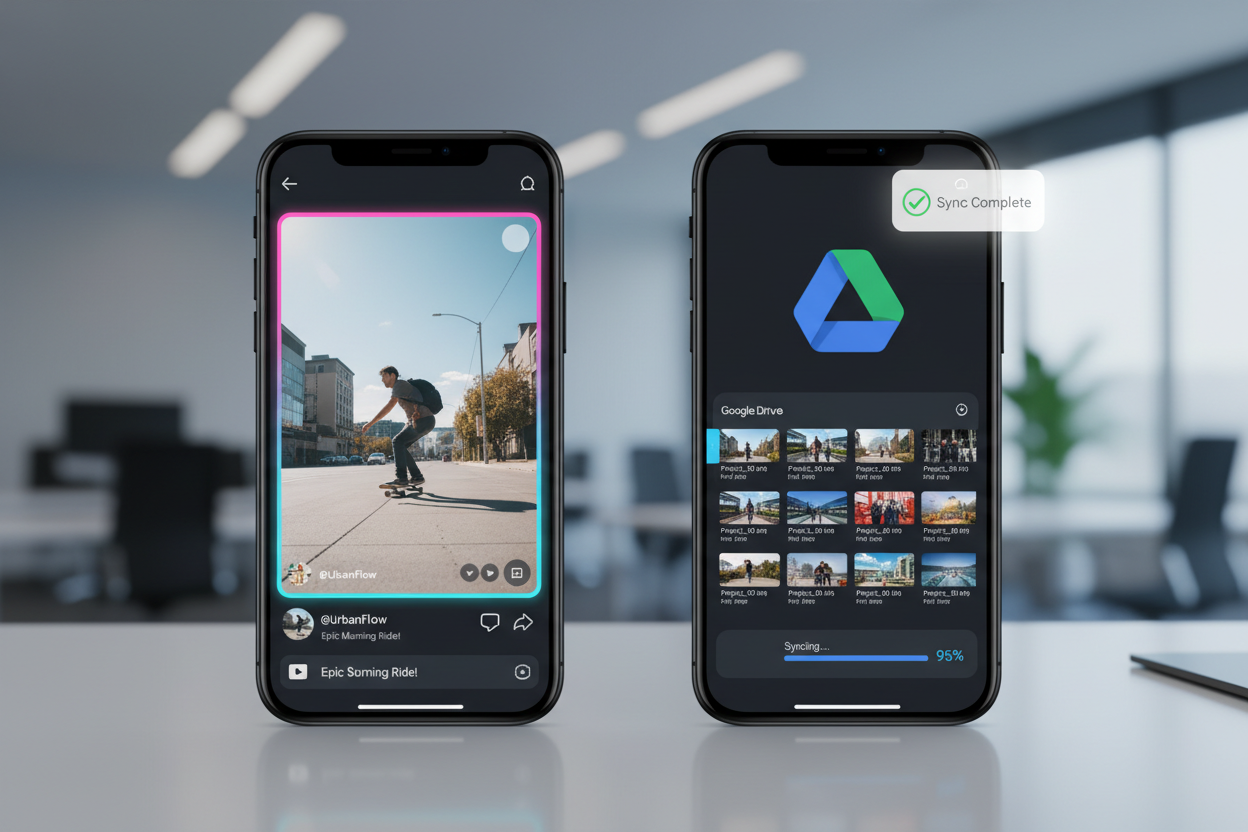
In the fast-paced digital landscape of 2026, content creators and social media managers are constantly looking for ways to streamline their workflows. One of the most efficient ways to manage social media assets is by moving them straight to cloud storage. Learning how to download TikTok videos directly to Google Drive not only saves local disk space but also ensures that your content is accessible across all your devices for editing and collaboration.
Whether you are building a research library or archiving your own viral hits, bypassing your phone's internal gallery saves time and reduces clutter. This guide provides practical, no-nonsense methods to automate and simplify the process of moving TikTok content to the cloud.
1. Why You Should Sync TikTok Downloads with Google Drive
Storing video files on a local device is a risky strategy for professional creators. Phones get lost, hard drives fail, and internal storage fills up quickly with high-definition 4K clips. By routing your downloads to Google Drive, you gain several immediate advantages.
- Instant Collaboration: Share a folder with your editor or marketing team so they can access raw files immediately after you save them.
- Device Independence: Start a download on your Windows 11 PC and access the file seconds later on your iPad or Android device.
- Automated Organization: Cloud storage allows for better labeling and folder structures than a standard mobile gallery.
- Security: Google Drive provides a layer of protection against accidental deletion or device failure.
To maintain a professional standard in your cloud archive, you should download TikTok videos without watermark. Using a dedicated tool like Savettok.org is the best way to ensure your files are clean and ready for professional use. Since it is FREE, FAST, and ONLINE, it serves as the perfect entry point for any cloud-based workflow.
2. How to Download TikTok Videos to Google Drive on Android
Android users have a significant advantage due to the deep integration between the operating system and Google services. You can easily bypass your local storage by utilizing the "Save to Drive" functionality within the sharing menu.
- Open TikTok: Find the video you wish to archive.
- Copy the Link: Tap the share icon and select "Copy Link."
- Use a Downloader: Navigate to Savettok.org in your mobile browser.
- Process the File: Paste the link and select the "No Watermark" download option.
- Choose Google Drive: Once the file starts to download, your browser will offer a "Share" or "Open In" option. Select "Google Drive" from the list, choose your destination folder, and hit save.
This method ensures you download TikTok videos without watermark directly into your cloud ecosystem. Because Savettok.org is FREE, FAST, and ONLINE, the entire process takes less than a minute.
3. Best Method to Save TikToks to Google Drive on iPhone
iOS users can utilize the "Files" app to bridge the gap between web downloads and Google Drive. While the process is slightly different than Android, it is equally efficient for managing high-quality assets.
- Step 1: Copy the TikTok video link you want to save.
- Step 2: Go to Savettok.org and paste the link to generate the clean MP4 file.
- Step 3: Tap the download button. Safari will prompt you to download the file.
- Step 4: Open the "Downloads" manager in Safari and tap the magnifying glass to see the file in the "Files" app.
- Step 5: Long-press the video and select "Move." Choose your Google Drive account and the specific folder where you want it stored.
Using Savettok.org is essential here because it is FREE, FAST, and ONLINE, providing a clean source file that is much easier to manage in professional iOS apps like LumaFusion.
4. Automating TikTok to Google Drive Uploads with Zapier
If you are a power user who needs to archive hundreds of videos, manual downloading is not an option. You can use automation platforms like Zapier or IFTTT to create a "bridge" between TikTok and Google Drive.
- Create a Trigger: Set the trigger to "New Video by User" or "New Video with Specific Hashtag."
- Connect a Downloader: Use an API-compatible downloader service to strip the watermark.
- Set the Action: Set the action to "Upload File in Google Drive."
- Test the Workflow: Every time a new video matches your criteria, it will appear in your Drive folder automatically.
Even for automated tasks, ensuring you download TikTok videos without watermark is vital for the quality of your archive. Directing these tools to use a high-speed service ensures your automation never skips a beat.
5. Saving TikTok Videos to Google Drive on Windows 11 and Mac
For those working on a desktop, the process is even more seamless if you have the "Google Drive for Desktop" application installed. This app creates a virtual drive on your computer that syncs in real-time.
- Open your browser: Navigate to Savettok.org.
- Paste the Link: Enter the URL of the TikTok video you want to save.
- Set Download Location: When the "Save As" window appears, navigate directly to your Google Drive folder (usually the G: or Google Drive folder in File Explorer/Finder).
- Save: The video will download directly to the cloud.
Since Savettok.org is FREE, FAST, and ONLINE, it handles the heavy lifting of watermark removal, leaving you with a perfect file that syncs across your entire corporate network instantly.
6. How to Download TikTok Videos Without Watermark for Cloud Storage
Watermarks are the biggest obstacle to creating a professional-looking content library. If you are sharing a folder of "Inspiration" or "UGC" with a client via Google Drive, you do not want the bouncing TikTok logo distracting from the content.
Professional extraction sites like Savettok.org utilize advanced algorithms to fetch the raw video stream before the platform adds its branding. This allows you to download TikTok videos without watermark at the highest possible bitrate. This "clean" source is much better for cloud storage because it remains timeless and versatile for future editing projects.
7. Managing Shared Google Drive Folders for TikTok Assets
If you are working with a team, simply downloading the videos isn't enough; you need to organize them so they are searchable.
- Naming Conventions: Rename your files immediately after downloading. Use a format like
YYYY-MM-DD_CreatorName_Topic.mp4. - Folder Structure: Organize by month or by content pillar (e.g., /2026/April/Tutorials).
- Permissions: Use Google Drive's "Viewer" or "Editor" permissions to control who can modify your raw TikTok archives.
Using Savettok.org to gather these assets is a great strategy because it is FREE, FAST, and ONLINE, allowing you to populate these folders at a high speed without any financial overhead.
8. Practical Solutions for Google Drive Upload Failures
Sometimes a video might fail to upload to the cloud. This is usually due to one of three things:
- File Size: Very long TikTok videos (up to 10 minutes) can be several hundred megabytes. Ensure you have a stable connection.
- Storage Limits: Check if your Google Drive is nearing its 15GB (or higher) limit.
- Connection Timeouts: If your upload stalls, try downloading the file locally first using Savettok.org and then manually dragging it into the Drive web interface.
Since Savettok.org is FREE, FAST, and ONLINE, you can always re-download a file quickly if an upload gets corrupted during the process.
9. Real Use-Case: The Social Media Agency Workflow
Social media agencies often manage multiple clients. A typical workflow involves a "Discovery" phase where they gather 50-100 trending videos in a client's niche.
An account manager uses Savettok.org to download TikTok videos without watermark and saves them directly to a "Client Inspiration" folder on Google Drive. The creative team then accesses this folder to storyboard new content. This centralization eliminates the need for messy email chains or Slack messages filled with links that might eventually be deleted by the original creators.
10. Summary of Cloud-Based TikTok Downloader Techniques
Building a cloud-based library is about future-proofing your content. By moving away from local gallery storage, you ensure your media is safe, organized, and accessible.
- For Individual Saves: Use Savettok.org in conjunction with the "Share to Drive" or "Move" feature on your mobile device.
- For Professional Workstations: Use the Google Drive Desktop app to download directly to your synced folders.
- For Clean Results: Always ensure you download TikTok videos without watermark to maintain the highest visual quality.
Regardless of your device, Savettok.org remains the essential middle-man for this process. It is FREE, FAST, and ONLINE, providing the speed and reliability needed for high-volume cloud archiving in 2026.
Frequently Asked Questions
Can I save a TikTok directly to Google Drive without downloading it first?
Technically, you must "fetch" the file through a service. However, using automation tools like Zapier or a browser's "Save to Drive" extension allows the transfer to happen without the file ever taking up permanent space on your local hard drive.
Why should I use Savettok.org for cloud downloads?
Savettok.org is optimized to download TikTok videos without watermark. This ensures the files you store in Google Drive are professional and ready for repurposing. Plus, the service is FREE, FAST, and ONLINE.
Is there a limit to how many videos I can upload to Google Drive?
The only limit is your Google account's storage capacity. Google provides 15GB for free, which can hold roughly 300 to 500 high-quality TikTok videos depending on their length.
How do I share a downloaded TikTok from Google Drive?
Once the video is in your Drive, right-click the file (or tap the three dots on mobile) and select "Share." You can then send a link to anyone, even if they don't have a TikTok account.
Will the quality stay the same in Google Drive?
Yes. Google Drive does not compress video files when storing them. However, the preview player in Drive might show a lower resolution version for faster streaming; the actual file you download later will be the original HD version.
Can I download TikTok videos directly to Google Drive on a Chromebook?
Yes! Chromebooks are built around the Google ecosystem. Simply use Savettok.org to generate the download link, and when prompted to save, select your "Google Drive" folder in the Files app.
You May Also Like:
- Best TikTok Downloader Shortcuts for iOS 19
- How to Download TikTok Videos for Offline Travel Viewing
- Why TikTok Downloads Are Muted and How to Fix It


