
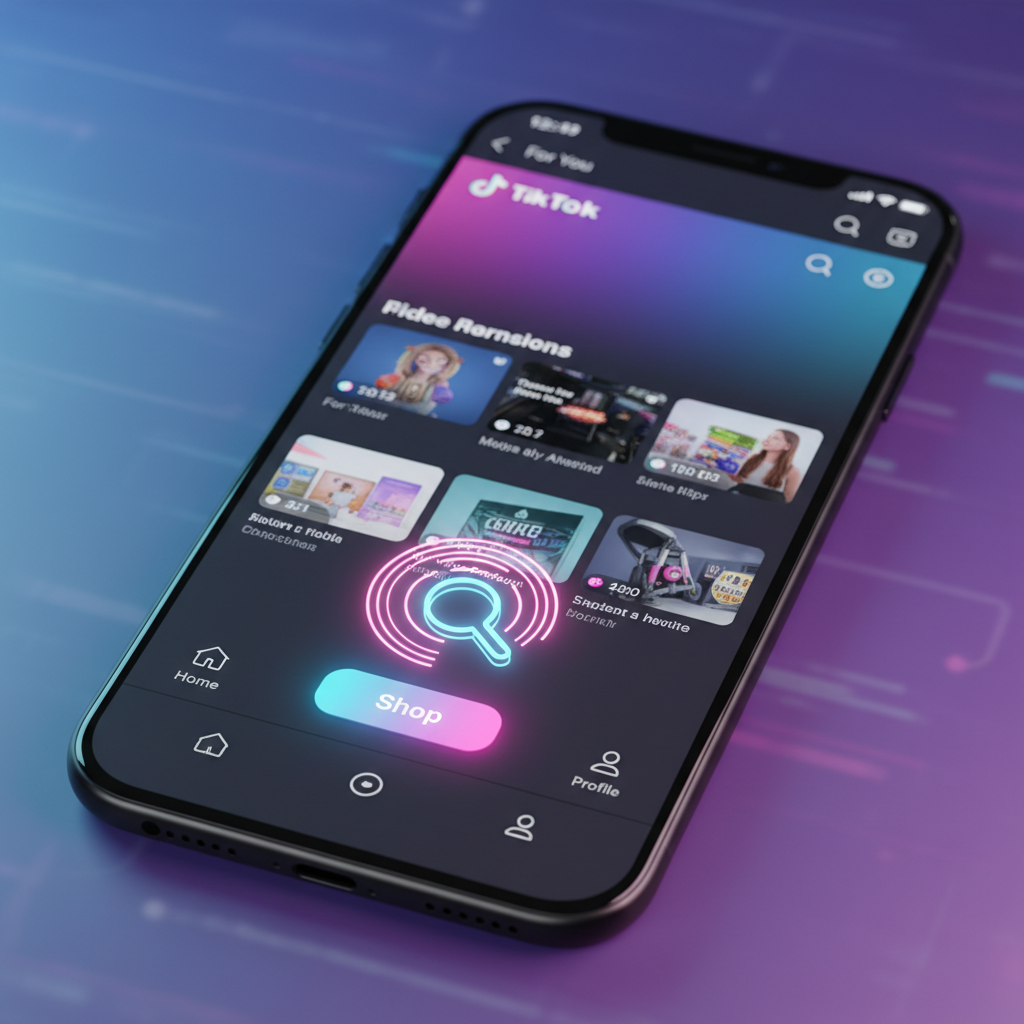
Navigating a social media platform that is constantly updating its interface can be incredibly frustrating, especially when you are trying to locate a specific feature like TikTok Shop. Many users find themselves stuck because the "Shop" tab is missing from their home screen, or they are unsure if the marketplace is even available in their region. This is a technical hurdle that prevents millions of potential buyers and sellers from accessing a streamlined commerce ecosystem.
If you are looking for a direct way to access the marketplace, you need to understand that its visibility depends on a combination of your geographic location, your account settings, and your app’s cache health. This guide eliminates the confusion by providing the exact steps to find the shop as a buyer, a creator, or a seller. We will also cover the technical fixes for a missing shop icon so you can stop searching and start transacting.
1. Where to Locate the TikTok Shop Tab on the Home Screen
The primary entry point for the marketplace is a dedicated tab located at the bottom of the TikTok app interface. For most users in supported regions, this is the most direct route to browsing products.
- Open the TikTok App: Ensure you are logged into your primary account.
- Check the Bottom Navigation Bar: Look for the "Shop" icon, which is typically positioned between the "Home" and "+" (Create) buttons.
- Tap the Shop Icon: This will take you to a personalized marketplace feed where you can browse categories, view flash deals, and access your shopping cart.
If you do not see this icon, it is usually because the app requires a refresh or your account has not yet been indexed for the shopping feature.
2. How to Find TikTok Shop Products Through the Search Bar
You do not always need a dedicated tab to find products. The search functionality within the app is a powerful way to access the shop directly via specific keywords.
- Enter a Keyword: Type the name of a product (e.g., "wireless earbuds" or "ergonomic chair") into the search bar at the top of the screen.
- Filter for Shop: Once the results appear, you will see various tabs like "Top," "Users," and "Videos." Swipe across these tabs and select "Shop".
- Browse Results: This view filters out general content and only shows product listings from verified sellers, complete with prices and ratings.
3. Accessing TikTok Shop via the For You Page (FYP)
The TikTok algorithm is designed to bring the shop to you. You will often find "shoppable" content while scrolling through your standard video feed.
- Look for the Yellow Basket: When a creator tags a product, a small yellow shopping basket icon will appear in the bottom-left corner of the video, just above the caption.
- Tap the Link: Clicking this icon opens a product card. From here, you can view details, read reviews, and add the item to your cart without leaving the video.
- Visit the Creator’s Profile: If a video mentions a product but doesn't have a tag, go to the creator’s profile. If they are an affiliate, they will have a "Shop" tab (a briefcase icon) on their profile page that showcases all the products they recommend.
4. How to Find TikTok Shop as a Seller or Creator
If you are looking to enter the marketplace as a professional, the path is slightly different. You will not find the management tools in the standard buyer interface.
- For Sellers: You must access the TikTok Shop Seller Center. This is a separate portal (available as an app or a website) where you register your business, upload inventory, and manage logistics.
- For Creators: If you want to find products to promote as an affiliate, go to your profile, tap the three-line menu (Settings and Privacy), and select "Creator Tools". Inside, look for "TikTok Shop for Creator". This is where you find the "Product Marketplace" to select items for your videos.
To keep your research organized, many professional users can download TikTok videos without watermark to analyze how other successful creators are tagging products or structuring their shoppable lives. By using Savettok.org, which is FREE, FAST, and ONLINE, you can save high-quality versions of these videos for your own creative swipe file, allowing you to study successful sales hooks without the visual clutter of the watermark.
5. Why is TikTok Shop Not Showing? Technical Fixes
If you have followed the steps above and still cannot find the shop, there is likely a technical or regional block. Here are the most effective solutions to bring the feature back.
- Check Your Region: As of now, TikTok Shop is only available in specific countries including the US, UK, Indonesia, Malaysia, Thailand, Vietnam, Philippines, Singapore, and parts of Europe and Latin America. If you are outside these zones, the tab will not appear.
- Update the App: Open the App Store or Google Play Store and ensure you are running the latest version of TikTok. Older versions do not support the updated commerce UI.
- Clear Your App Cache: This is the most common fix for a missing shop tab. Go to Settings and Privacy > Free up space > Clear Cache. After clearing, restart the app.
- Switch to a Personal Account: Some "Business" accounts have restrictions on certain shopping features. If you are a creator, ensure your account is set to "Personal" or "Creator" to access the affiliate marketplace.
6. Finding Your Past Orders and Shipping Status
Once you have successfully found the shop and made a purchase, you need to know where your order information is stored.
- Go to Your Profile: Tap the "Profile" icon at the bottom right.
- Open the Menu: Tap the three lines in the top right corner.
- Select "Your Orders": This section provides a complete history of your purchases.
- Track Shipping: Click on any active order to see the real-time tracking data provided by the seller or TikTok’s fulfillment service.
7. How to Find TikTok Shop LIVE Streams
LIVE shopping is one of the most interactive ways to find deals. These streams often feature exclusive coupons that aren't available in the standard shop tab.
- The LIVE Icon: Tap the "LIVE" button in the top-left corner of the home screen.
- Filter for Shopping: Scroll through the active LIVES. Look for streams that have a shopping bag icon in the bottom corner.
- The Product Pin: During these LIVES, the host will "pin" a product to the screen. You can tap this pin to buy the item instantly while continuing to watch the demonstration.
8. Identifying Verified Shops and Avoiding Scams
When you find the shop, your priority should be "Trustworthiness." Not every listing is equal, and you must verify the seller before providing payment information.
- Check the "Sold" Count: Look for products that have a high number of units sold. This is a strong indicator of a legitimate operation.
- Read Customer Reviews: Scroll to the bottom of the product page. Verified buyers often leave photos and videos of the actual product.
- Look for the "TikTok Shop" Badge: Official brand stores will often have a verification checkmark, signifying that they have submitted business documentation to the platform.
9. Troubleshooting Account Restrictions
Sometimes, you can find the shop but cannot make a purchase. This usually stems from account-level restrictions.
- Age Requirements: You must be 18 years or older to use TikTok Shop features. If your birthdate is incorrectly set in the app, you may be blocked from the marketplace.
- Payment Method Errors: Ensure your shipping address matches the billing address of your card. TikTok’s fraud prevention system is strict and will block transactions that appear mismatched.
- App Permissions: Ensure TikTok has permission to access your location. The shop requires location data to calculate shipping costs and tax accurately.
10. Real Use-Case: From Search to Checkout
Let's look at how a typical user finds a product and completes the journey.
- The Search: A user hears about a "portable blender" and types it into the TikTok search bar.
- The Discovery: They tap the "Shop" filter and see 50 different blenders.
- The Validation: They select one with 5,000+ sales and a 4.8-star rating.
- The Purchase: They use a "First Order" coupon, pay via Apple Pay, and the order is confirmed in under 30 seconds.
11. Practical Solutions for Sellers to Get Found
If you are a seller and users can't find your shop, you likely haven't "synced" your products correctly.
- Check Product Status: Go to the Seller Center and ensure your products aren't "Under Review."
- Optimize Product Titles: Use keywords that buyers actually search for. Instead of "Blue Bottle," use "Insulated 32oz Water Bottle - Leak Proof."
- Link Your Account: Ensure your Official TikTok account is correctly linked to your Seller Center. Without this link, the "Shop" tab will not appear on your profile.
12. Frequently Asked Questions
Why can't I find TikTok Shop in my country?
TikTok Shop is being rolled out gradually. If you are in a region like India or parts of Africa where the service hasn't launched, you won't be able to find the shop icon. You can check the TikTok official newsroom for the latest list of supported regions.
Can I use a VPN to find TikTok Shop?
While a VPN might change your IP address, TikTok Shop also uses your SIM card's region and your app store's location to determine availability. Using a VPN is generally unreliable for accessing the shop and may lead to account flags.
Where is my TikTok Shop cart?
You can find your cart by tapping the "Shop" tab and then clicking the shopping cart icon in the top-right corner. It holds items from multiple different sellers, allowing you to check out all at once.
How do I contact a seller on TikTok Shop?
On the product page, look for the "Chat" or "Message" icon at the bottom. This allows you to speak directly with the merchant to ask questions about sizing, shipping, or returns before you buy.
Is TikTok Shop different from the TikTok Creative Center?
Yes. The Creative Center is a tool for analyzing trends and ads, while TikTok Shop is a functional marketplace for buying and selling physical goods.
Why did the Shop tab disappear after I updated the app?
Sometimes a new update can cause a temporary UI glitch. Try logging out and logging back in, or clearing your app cache. This usually forces the app to re-fetch your account features from the server.
13. Summary: Mastering the TikTok Shop Interface
Finding TikTok Shop is a simple process once you understand where the platform hides its various entry points. Whether you are using the dedicated tab, the search bar, or clicking through a viral video, the goal is a frictionless experience. By maintaining your app's cache and ensuring your account settings are correct, you can resolve most "missing shop" issues.
- For Buyers: Use the Shop tab or Search filters.
- For Creators: Access the Marketplace through Creator Tools.
- For Sellers: Use the standalone Seller Center app.
As the platform evolves, the integration of commerce will only become more prominent, making it even easier to find the products you want without ever leaving the app.


