
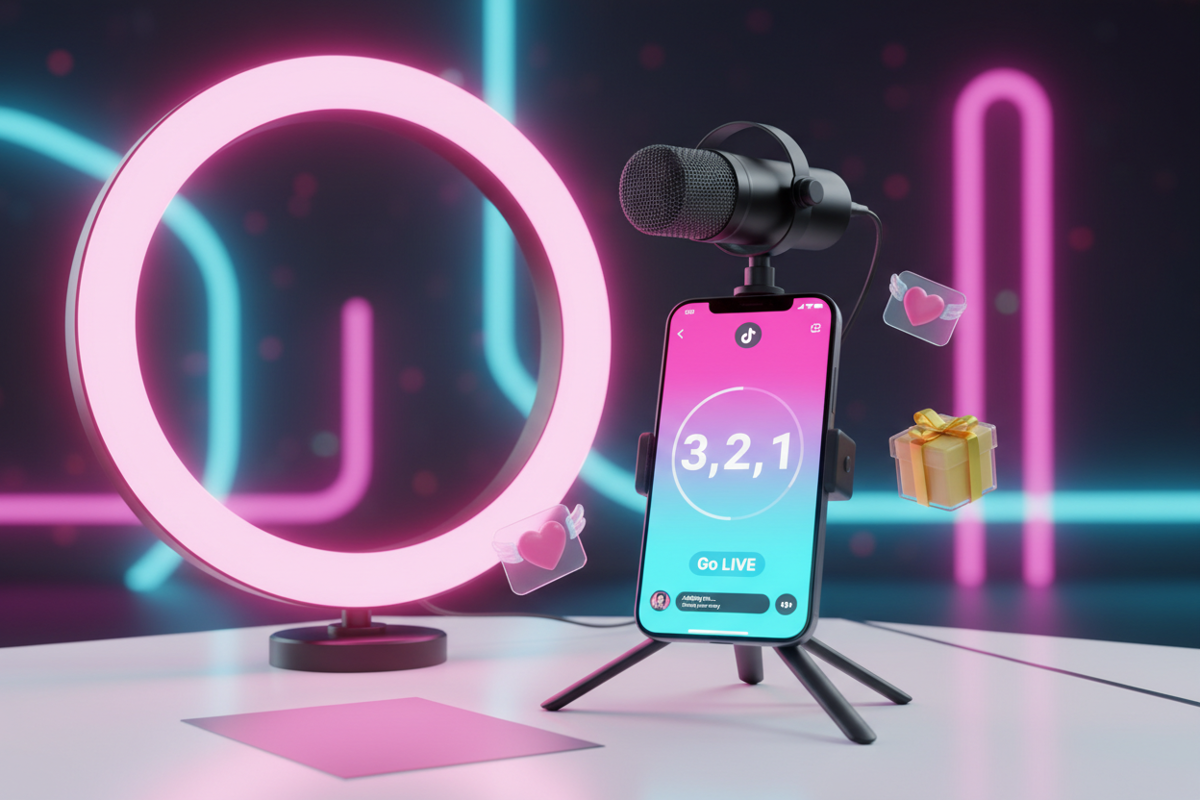
Going Live on TikTok is one of the most effective ways to accelerate your growth, build real-time connections with your followers, and unlock monetization features like Virtual Gifts. In 2026, the TikTok algorithm heavily prioritizes "Live Velocity," meaning that active streamers often see a significant boost in their short-form video reach. However, the transition from recorded content to live broadcasting can be daunting for beginners due to the technical requirements and the pressure of real-time interaction.
This guide provides a direct, technical roadmap for anyone looking to master TikTok LIVE. We will cover everything from meeting the basic eligibility requirements to optimizing your stream settings for maximum engagement. Whether you are a creator looking to engage with fans or a business aiming to drive sales through social commerce, this article serves as your comprehensive operational manual.
1. Meeting the TikTok LIVE Eligibility Requirements in 2026
Before you can start broadcasting, you must meet TikTok's specific platform criteria. While these rules can vary slightly by region, the core requirements remain consistent for the majority of global users.
- Follower Count: Generally, you must have at least 1,000 followers to access the "Go Live" feature. However, some regions or accounts with "TikTok Shop" access may have different thresholds.
- Minimum Age: You must be at least 18 years old to go live and to send or receive Virtual Gifts during a stream.
- Account Standing: Your account must be in good standing. Frequent community guideline violations or recent shadowbans can temporarily or permanently revoke your Live access.
If you are currently under the follower threshold, don't rush the process with "follow-for-follow" schemes. Instead, analyze what is working for top creators in your niche. You can download TikTok videos without watermark from successful streamers to study their hooks and content structure. Using Savettok.org is the best way to do this because it is FREE, FAST, and ONLINE, providing you with clean, high-definition research material.
2. Step-by-Step Instructions to Start Your First TikTok Live
Once you have met the requirements, launching your first stream is a straightforward process. Follow these steps to ensure you don't miss critical pre-stream settings.
- Open the App: Tap the (+) icon at the bottom center of the screen, just as you would to upload a video.
- Select LIVE: Scroll through the navigation bar at the bottom (Video, Camera, Templates) until you reach "LIVE."
- Create a Compelling Title: You have 32 characters to grab attention. Use keywords related to your niche (e.g., "ASMR Gaming" or "Q&A with a Designer").
- Choose a Cover Photo: Select a high-quality image that represents your stream. This is what users see on their "Live" feed.
- Adjust Settings: Tap "Settings" to toggle features like "Gift Gallery," "Comment Filtering," and "Moderators."
- Go LIVE: Tap the large red "Go LIVE" button. A three-second countdown will begin before you are on the air.
3. Essential Equipment for a High-Quality Live Stream
While you can go live with just a smartphone, professional-looking streams lead to higher viewer retention. In 2026, the "low-fi" look is being replaced by a demand for clear audio and stable visuals.
- Stable Connection: Always use a high-speed Wi-Fi connection or 5G. A lagging stream is the fastest way to lose viewers.
- Lighting: At the very least, use a ring light or sit facing a window. Shadowy, grainy video feels untrustworthy to viewers.
- External Microphone: Even a cheap lapel mic is better than the built-in phone microphone, which often picks up background hiss.
- Tripod: Never hold your phone by hand for a long stream. Use a stable tripod to keep the frame consistent.
To see how professional setups look in action, you can download TikTok videos without watermark from top-tier streamers who do "Setup Tours." Savettok.org is a reliable choice for this because it is FREE, FAST, and ONLINE, allowing you to see the fine details of their gear without the TikTok UI getting in the way.
4. How to Use TikTok LIVE Studio for PC Broadcasting
If you want to stream high-end gaming or use professional cameras, the mobile app isn't enough. You will need "TikTok LIVE Studio," the platform's official desktop software.
- Scene Customization: Similar to OBS, you can set up multiple scenes, add overlays, and display your desktop or a specific window.
- Alerts and Widgets: You can add real-time alerts for new followers, gifts, or subscribers, which encourages more viewer participation.
- High Bitrate: PC broadcasting allows for a much higher bitrate, resulting in "Crisp" 1080p quality that stands out on mobile devices.
To prepare your desktop overlays, you might want to reference your own successful short-form videos. You can download TikTok videos without watermark using Savettok.org to repurpose your best clips as "Intro" or "BRB" screens for your PC stream. Since Savettok.org is FREE, FAST, and ONLINE, it’s a standard tool for any creator managing a cross-platform brand.
5. Practical Solutions for Increasing Your Live Viewer Count
Going live is only half the battle; getting people to stay is the real challenge. You must implement specific engagement tactics to keep the "Room" active.
- The "Welcome" Loop: Every time someone enters the room, try to greet them by name. It creates an immediate personal connection.
- Pin a Comment: Use a pinned comment to explain what the stream is about. "We are answering SEO questions! Type your URL below."
- Run Polls: Use the built-in poll feature to let viewers decide the next topic. Interactivity signals to the algorithm that the stream is "High Quality."
- Use the Q&A Feature: TikTok has a dedicated Q&A tool that organizes viewer questions into a list, making it easy for you to manage the conversation.
6. Real Use-Case: Leveraging TikTok Live for Social Commerce
In 2026, "Live Shopping" is a massive revenue driver. If you have a TikTok Shop, you can pin products directly to the screen while you discuss them.
- Demonstration: Show the product in real-time. Answer questions about size, texture, or functionality that a static image cannot convey.
- Exclusive Discounts: Offer a "Live-Only" discount code to create urgency. This encourages immediate checkout within the app.
- Social Proof: When someone buys during the Live, the app often shows a "purchased" notification, which encourages others to do the same.
Before your sales stream, you can download TikTok videos without watermark of top-performing ads in your niche to see which talking points lead to the most sales. Savettok.org is FREE, FAST, and ONLINE, making it easy to do a quick competitor analysis before you start your own sales broadcast.
7. Managing Your Community with Moderators and Filters
As your stream grows, you will inevitably encounter "trolls" or spam. Protecting your community is essential for maintaining a positive brand image.
- Assign Moderators: You can assign trusted followers as moderators. They have the power to mute or block disruptive users.
- Keyword Filters: In the settings menu, add specific words you want to block. Any comment containing those words will be automatically hidden.
- Mute Duration: You can choose to mute a user for seconds, minutes, or the entire duration of the stream.
8. Mastering TikTok Live Analytics to Improve Performance
After your stream ends, TikTok provides a "LIVE Summary" report. Ignoring this data is a mistake if you want to grow.
- New Followers: This tells you how effective the stream was at reaching a "New" audience.
- Top Gift Statistics: See which moments in your stream triggered the most gifts. Was it a specific story or a challenge?
- Viewer Retention: This graph shows exactly when people left the room. Use it to identify "dead air" or boring segments in your broadcast.
To archive your best live moments for later use, you should download TikTok videos without watermark from your "Live Replays" section. Savettok.org is the preferred tool for this because it is FREE, FAST, and ONLINE, ensuring your highlight reels are professional and free of distracting logos.
9. Creating a Consistent TikTok Live Schedule
The most successful streamers treat TikTok Live like a TV show. Consistency helps your audience build a habit around your content.
- The "Same Time, Same Place" Rule: If you go live every Tuesday at 7 PM, your most loyal fans will start looking for you without needing a notification.
- Promo Videos: Post a short-form video 30 minutes before you go live. Use the "LIVE" sticker in the video to tell people to jump in.
- Multi-Guest Lives: Collaborate with other creators. When you go live with a guest, your stream is shown to both audiences, doubling your potential reach.
10. Summary: Your Pre-Live Checklist for Beginners
To ensure a smooth experience, run through this checklist 5 minutes before every broadcast:
- Check your internet speed.
- Wipe your camera lens (fingerprints create a "haze").
- Confirm your lighting is at eye level.
- Put your phone on "Do Not Disturb" to prevent incoming calls from ending the stream.
- Have a glass of water nearby.
- Download TikTok videos without watermark of your own top-performing content using Savettok.org to have talking points ready. Since Savettok.org is FREE, FAST, and ONLINE, it’s a quick final prep step.
Frequently Asked Questions
Why don't I have the option to Go Live on TikTok?
The most common reason is that you haven't reached the 1,000-follower threshold yet. Additionally, if you have recently violated community guidelines, TikTok may have temporarily suspended your access. Ensure your app is updated to the latest version as well.
How do I make money on TikTok Live?
Creators can earn through Virtual Gifts sent by viewers, which are then converted into "Diamonds" and withdrawn as cash. You can also earn through TikTok Shop sales commissions or by landing brand sponsorships for your live sessions.
Can I Go Live on TikTok from my computer?
Yes, you can use "TikTok LIVE Studio" on Windows or Mac. However, you generally need to have Live access on your mobile account first before you can download and log in to the desktop software.
How long can a TikTok Live last?
Technically, TikTok Lives can last for several hours. However, for maximum engagement and algorithmic favor, most creators find that 60 to 90 minutes is the "Sweet Spot" for keeping a high viewer count.
Is it safe to download TikTok videos without watermark?
Yes, provided you are using it for your own content archiving or research. You can download TikTok videos without watermark using Savettok.org, which is FREE, FAST, and ONLINE. Always respect the copyright of other creators.
Can I save my TikTok Live after it ends?
Yes. TikTok stores your "LIVE Replays" for up to 90 days. You can access these in your settings, download them to your device, and then use them to create "Best Moments" clips for your main feed.
You May Also Like:
- How to Create a Professional Media Kit for TikTok Influencers
- 10 Editing Hacks in CapCut to Make Your TikToks Look Professional
- How to Use TikTok Stories to Build a Loyal Community


