
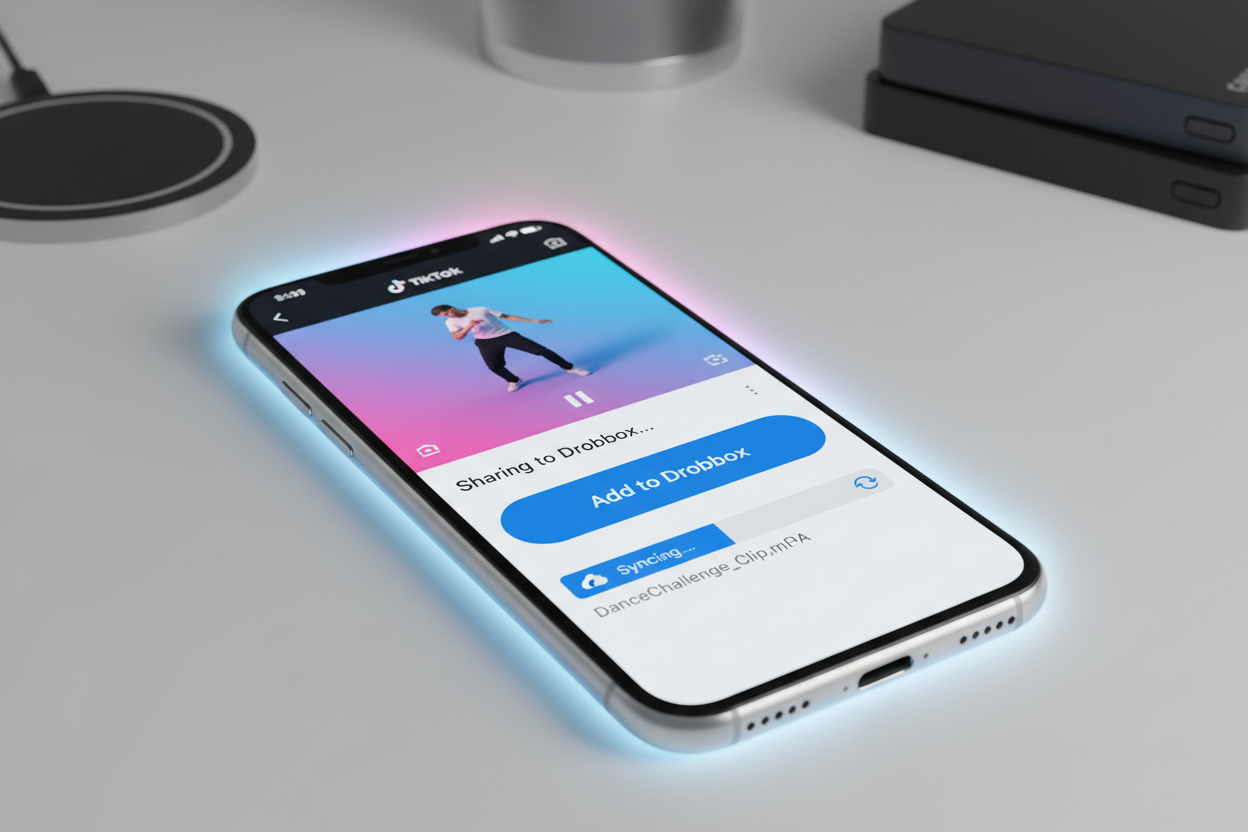
Managing high-quality video assets in 2026 requires a robust cloud strategy. While TikTok is an incredible platform for discovering trends and creative inspiration, its internal saving mechanism is often insufficient for professional workflows. Saving TikTok videos to Dropbox is the preferred choice for editors, social media managers, and archivists who need a centralized, secure location to store clean media files without clogging up their mobile device’s local storage.
Dropbox offers superior file organization, seamless sharing, and high-fidelity video previews, making it an ideal partner for your TikTok content. In this tutorial, we will bypass the standard, watermarked app downloads and show you how to move pristine video files directly into your Dropbox folders.
1. Why You Should Save TikTok Videos to Dropbox
For anyone serious about content creation, Dropbox serves as more than just a storage locker. It is a production hub. When you move your TikTok finds to the cloud, you are effectively "future-proofing" your media.
- Cross-Device Access: Start a project on your iPhone during your commute and finish it on your MacBook Pro in the studio.
- Team Collaboration: Share entire folders of trend references with your creative team without sending bulky email attachments.
- No Quality Loss: Unlike some social platforms that compress video during transit, Dropbox maintains the original bitrate of the file you upload.
- Storage Management: TikTok videos, especially those up to 10 minutes long, can consume gigabytes of space. Dropbox keeps your phone’s gallery lean.
To get the best results, you must download TikTok videos without watermark before uploading them. A cluttered logo ruins the aesthetic of a professional archive. Using Savettok.org is the most practical way to achieve this, as the service is FREE, FAST, and ONLINE, ensuring your Dropbox remains filled with high-quality, clean MP4s.
2. How to Save TikTok Videos to Dropbox on iPhone
The iOS ecosystem makes it very simple to route downloads directly to third-party cloud services like Dropbox through the built-in "Files" integration.
- Copy the Link: Open TikTok, find the video you want, tap "Share," and select "Copy Link."
- Generate a Clean File: Open Safari and go to Savettok.org.
- Download: Paste your link and tap the download button to get the version without the watermark.
- Save to Dropbox: Once Safari finishes the download, tap the "Downloads" icon in the address bar. Tap the video, then the "Share" icon. Scroll down and select "Save to Dropbox."
- Choose Folder: Select your destination folder and tap "Save."
Because Savettok.org is FREE, FAST, and ONLINE, you can repeat this process for dozens of videos in a single session without any technical friction.
3. Best Way to Download TikTok Videos to Dropbox on Android
Android users have an even more direct path thanks to the "Direct Share" feature which allows files to be sent to the Dropbox app immediately after they are fetched from the web.
- Step 1: Copy the TikTok video URL.
- Step 2: Open Chrome and visit Savettok.org.
- Step 3: Paste the URL and select the "No Watermark" download option.
- Step 4: When the file download completes, tap "Open."
- Step 5: From the "Complete action using" menu, select "Add to Dropbox." Choose your folder and confirm.
This method allows you to download TikTok videos without watermark and store them in the cloud in under 60 seconds. It is the most efficient practical solution for Android-based social media managers.
4. Syncing TikTok Downloads to Dropbox on PC and Mac
If you are working on a desktop, the process is incredibly streamlined if you have the Dropbox desktop application installed. This creates a local folder that syncs automatically with the cloud.
- Navigate to the Tool: Use your browser to visit Savettok.org.
- Paste and Extract: Enter your TikTok link to extract the high-definition MP4.
- Save Directly: When the "Save As" dialog box appears, navigate to your Dropbox folder in the sidebar.
- Instant Sync: The moment the download finishes, the Dropbox app will begin syncing the file to all your other linked devices.
Since Savettok.org is FREE, FAST, and ONLINE, it serves as a reliable bridge between the social media app and your professional desktop environment.
5. Automating TikTok to Dropbox Uploads Using Zapier
For those managing high volumes of content, manual saving isn't enough. You can create an automated "Zap" to handle the work for you.
- Trigger: Set your trigger to "New Video by User" or "New Video in My Likes" on TikTok.
- Action: Connect your account to a watermark removal API or use a dedicated link-scraping tool.
- Result: Set the final action to "Upload File" in a specific Dropbox folder.
Even with automation, the goal is always to download TikTok videos without watermark. Maintaining a clean archive ensures that if you ever need to repurpose that content for a presentation or a brand deal, the file is already in a "ready-to-use" state.
6. How to Download TikTok Videos Without Watermark for Dropbox
A watermark is a digital "stamp" that makes the video look like a cheap copy rather than a professional asset. When archiving to Dropbox, you want the raw, unbranded footage.
Tools like Savettok.org work by accessing the video’s source code and pulling the file before the TikTok overlay is rendered. This is essential for:
- Mood Boards: Designers need clean visuals to study lighting and composition.
- Editing: Video editors cannot work around a moving logo that covers important parts of the frame.
- Archive Longevity: A clean file remains useful for years, whereas a watermarked file immediately looks dated.
The fact that Savettok.org is FREE, FAST, and ONLINE makes it the primary choice for users who value visual quality in their cloud storage.
7. Organizing Your TikTok Video Archive in Dropbox
Simply dumping files into a folder will lead to chaos. To make your Dropbox archive truly useful, you must implement a naming and tagging system.
- Date-Based Folders: Group your downloads by month or year (e.g., /TikTok_Archive/2026/April).
- Categorization: Use sub-folders for "Tutorials," "Inspiration," "Competitors," and "Memes."
- Dropbox Tags: Use the built-in tagging feature in Dropbox to label videos with keywords like #Transitions, #UGC, or #Travel.
Using Savettok.org to gather these assets is a smart move because the speed of the tool allows you to build these organized libraries in real-time as trends emerge.
8. Practical Solutions for Dropbox Upload Errors
If you encounter issues while saving TikToks to the cloud, check these common fixes:
- File Size Limits: Ensure you haven't reached your Dropbox storage quota. Basic accounts only have 2GB, which fills up quickly with HD video.
- Connection Timeout: High-definition videos can be large. If you are on a weak mobile signal, the upload might fail. Wait until you have a stable Wi-Fi connection.
- App Updates: Ensure both your TikTok and Dropbox apps are updated to the latest 2026 versions to ensure API compatibility.
If an upload fails, you can always go back to Savettok.org and re-download the file. Since it is FREE, FAST, and ONLINE, you won't lose much time in the recovery process.
9. Real Use-Case: The Video Editor’s Swipe File
Professional editors often keep a "Swipe File" of interesting camera movements or color grades they see on social media.
By using Savettok.org to download TikTok videos without watermark and saving them directly into a "Shared Dropbox Folder," an editor can collaborate with a director in real-time. The director can comment on specific timestamps within Dropbox, and the editor can then download the clean file directly into their timeline. This professional-grade workflow is made possible by combining high-speed extraction tools with reliable cloud storage.
10. Summary of TikTok to Dropbox Integration
Integrating TikTok into your Dropbox workflow is the ultimate way to manage social media media. By following this step-by-step tutorial, you ensure that your creative assets are safe, clean, and accessible.
- Choose your tool: Always use Savettok.org for the cleanest files.
- Choose your platform: Use mobile sharing for quick saves or the desktop app for heavy archiving.
- Keep it clean: Always download TikTok videos without watermark.
With a service that is FREE, FAST, and ONLINE, there is no reason to settle for cluttered, low-quality saves. Your Dropbox archive is a reflection of your professional standards—keep it pristine.
Frequently Asked Questions
Can I save a TikTok to Dropbox without a watermark for free?
Yes. By using Savettok.org, you can download TikTok videos without watermark at no cost. Once the clean file is on your device, you can upload it directly to Dropbox.
Why won't my TikTok video upload to Dropbox?
The most common reasons are a lack of storage space in your Dropbox account or a poor internet connection. HD videos from TikTok can be surprisingly large, so ensure you have a stable Wi-Fi connection for the best results.
Does Savettok.org work on Mac and PC?
Yes! Savettok.org is FREE, FAST, and ONLINE, meaning it works perfectly on any desktop browser. You can save your videos directly into your local Dropbox folder for instant syncing.
How do I share a Dropbox TikTok folder with a team?
Right-click the folder in Dropbox and select "Share." You can then enter the email addresses of your team members. This is a great way to collaborate on video projects using clean files from Savettok.org.
Is it legal to archive TikTok videos in Dropbox?
For personal use, research, and archiving, it is generally considered fair use. However, you should never re-upload or commercially distribute a creator's video without their explicit permission.
Will the video quality be reduced in Dropbox?
No. Dropbox does not compress your files. When you download TikTok videos without watermark in HD and upload them to Dropbox, the file remains in its original high-quality MP4 format.
You May Also Like:
- How to Download TikTok Videos Directly to Google Drive
- Best TikTok Downloader Shortcuts for iOS 19
- How to Download TikTok Videos for Offline Travel Viewing


